


Description
Features:
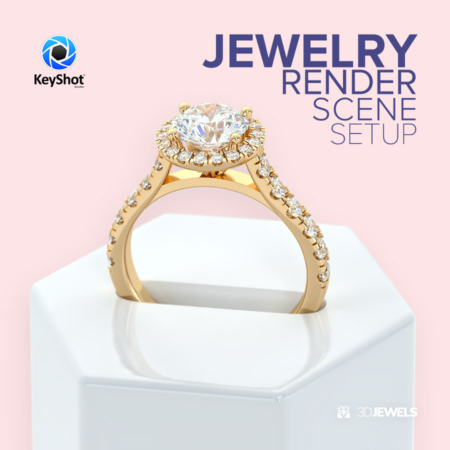
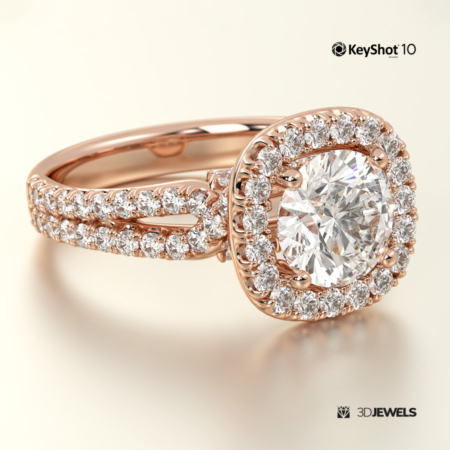
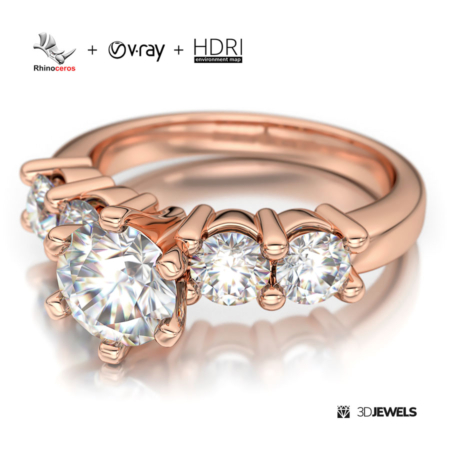
- 3 color gold KeyShot materials
- white diamond KeyShot material
- gemstone KeyShot materials (ruby, sapphire, emerald, citrine)
- jewelry ring 3D CAD model from sample render (STL /print-ready, OBJ, FBX)
- 5 HDRI environment maps
Details:
This fabulous winter scene is a high-quality and simple stylish 3D jewelry presentation kit just in time for the Christmas holidays.
The scene contains customized materials for white and black (night) color. It is also possible to turn off the snow in the scene.
Note! Sample render files (images) are not included in the download files.
Software is not included in the KIT price and must be purchased separately from the owner (developer) of the specified software.
What needs to be done?
- open the received scene file KeyShot
- import jewelry model and apply materials
- adjust lighting using the HDRI map
- done!
Kit includes:
- scene KeyShot package (.ksp) with:
– 3 color gold materials (white, yellow, rose)
– 4 gemstone materials (ruby, sapphire, emerald, citrine)
– environment winter scene materials
– white diamond material - 5 HDRI environment maps (.hdr)
- 3D CAD ring model from sample rendering in the formats: OBJ, FBX, STL (print-ready)
- simple user guide
⚠️ Requirements:
- Luxion KeyShot Software version 10 (or later). Learn more.

Reviews
There are no reviews yet.