

Description
Features:
- 4 color metal KeyShot materials
- 5 gemstone KeyShot materials
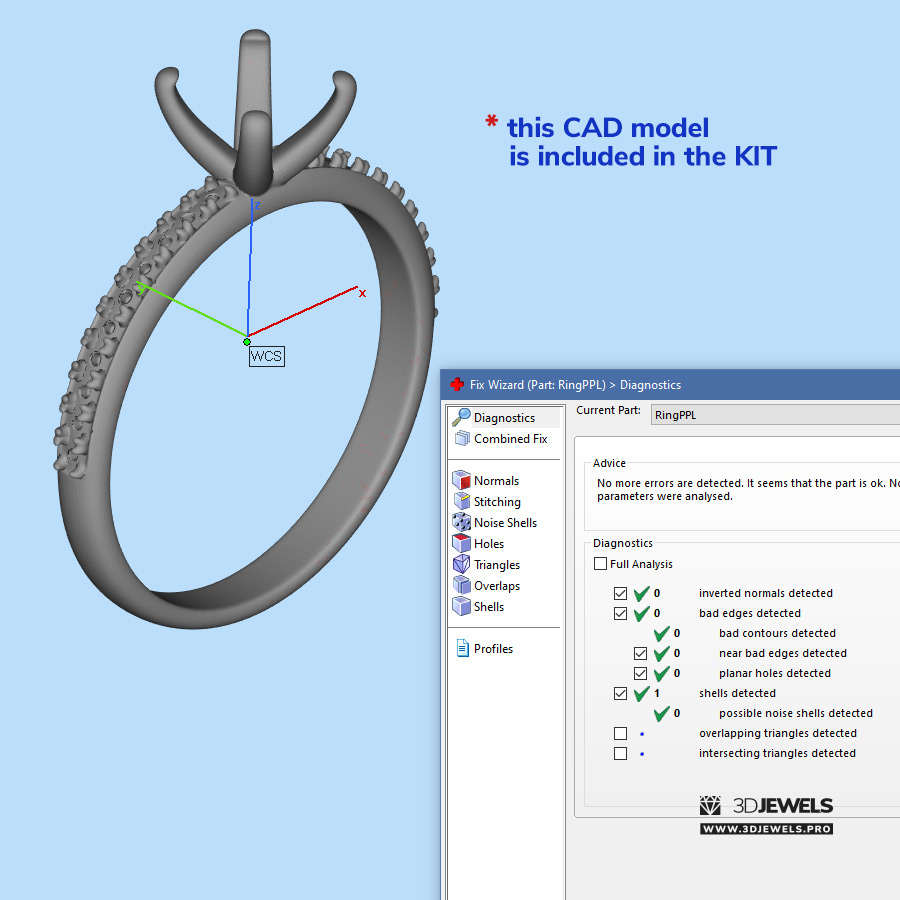
- Jewelry ring 3D model
- Stand 3D model with PBR textures
- Simple user guide (PDF)
Details:
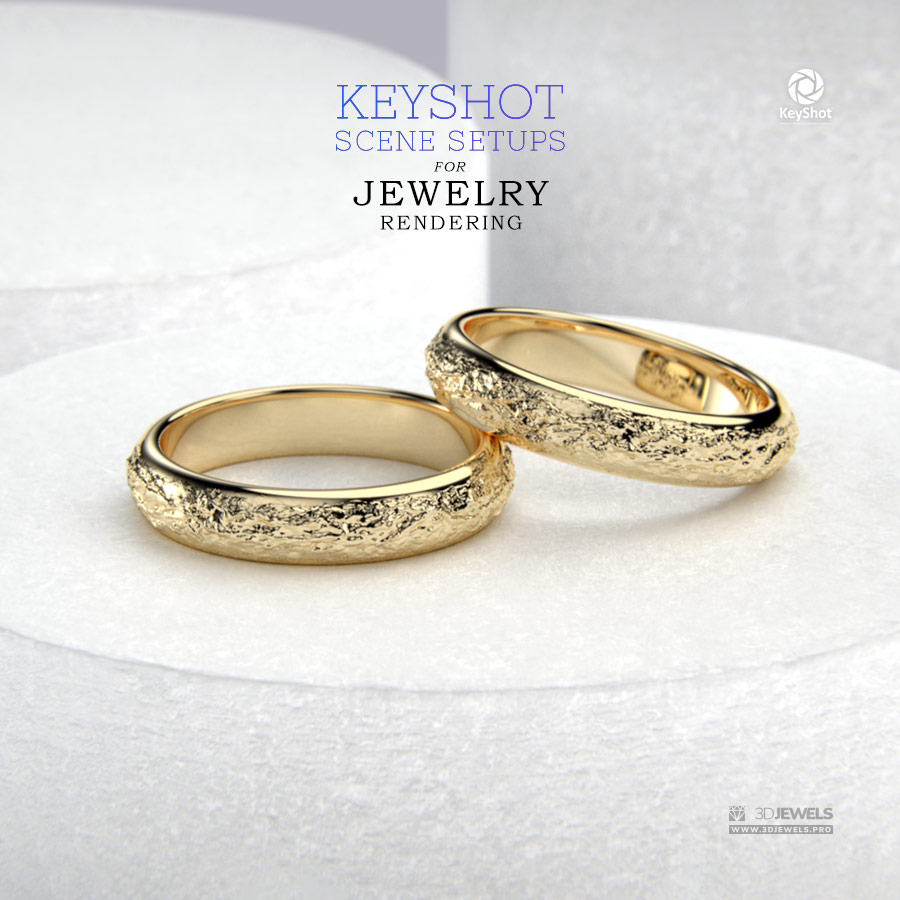
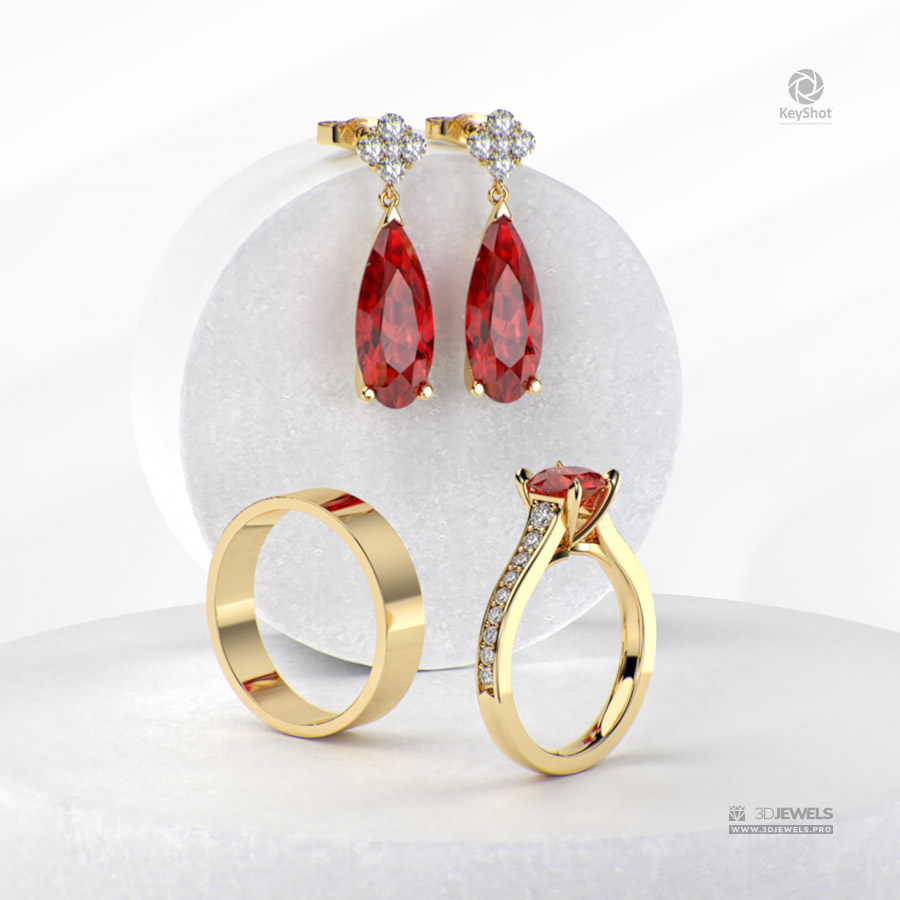
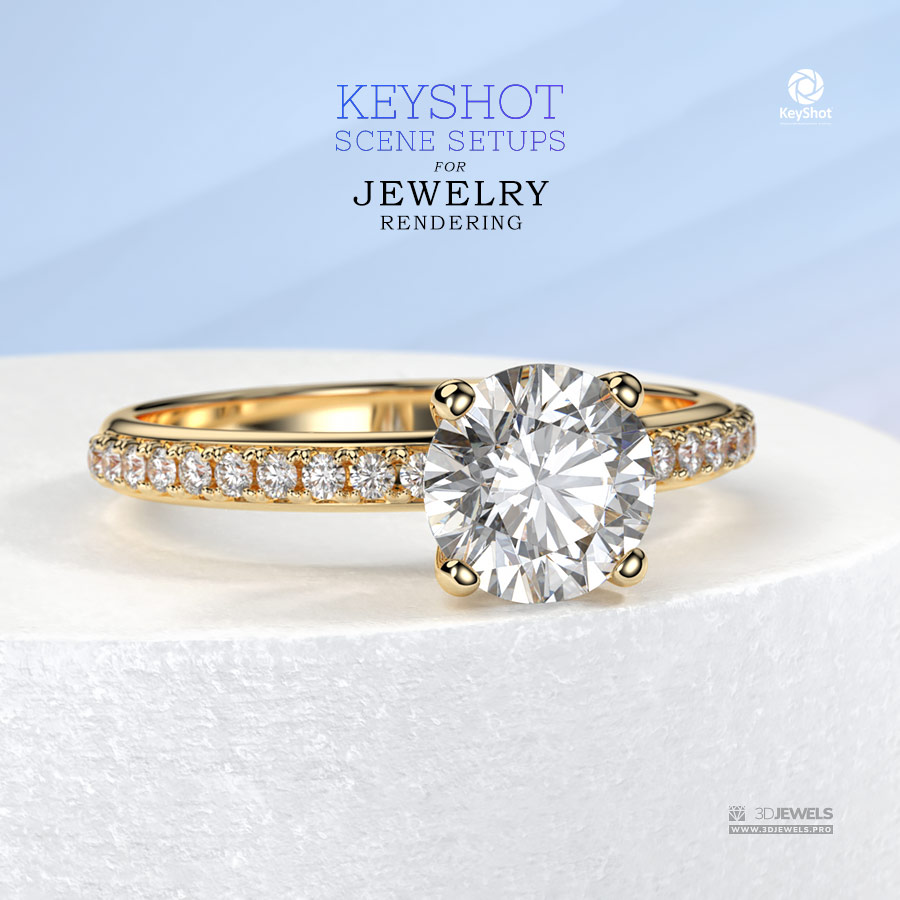
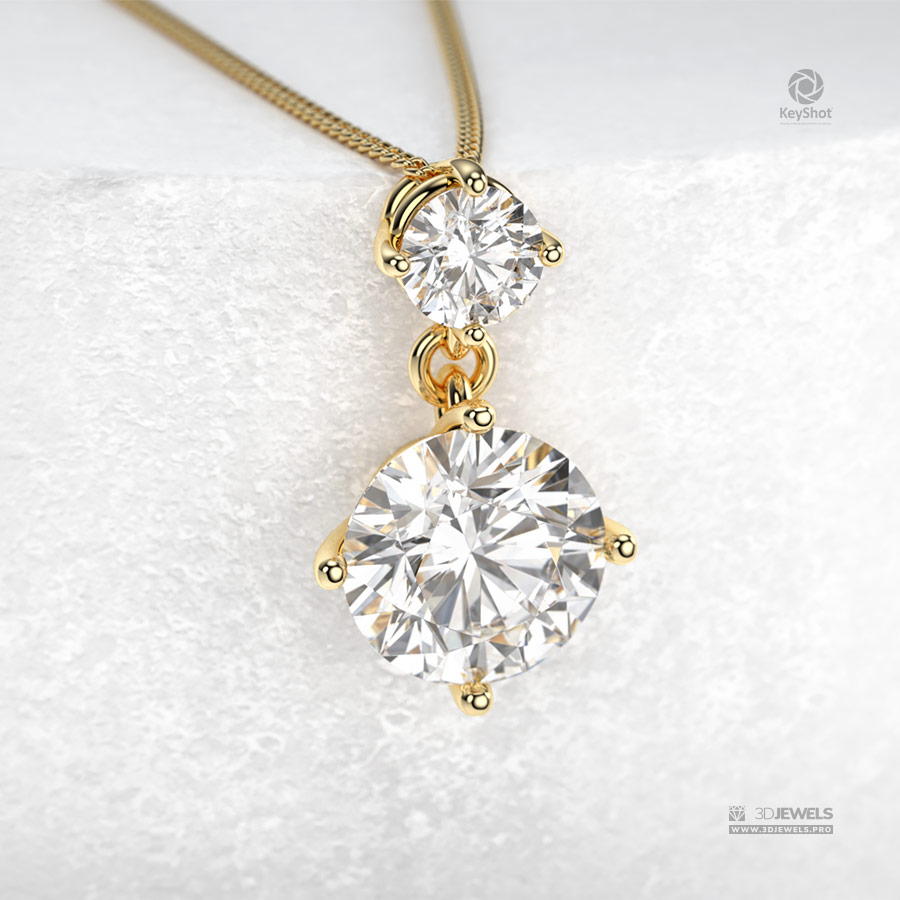
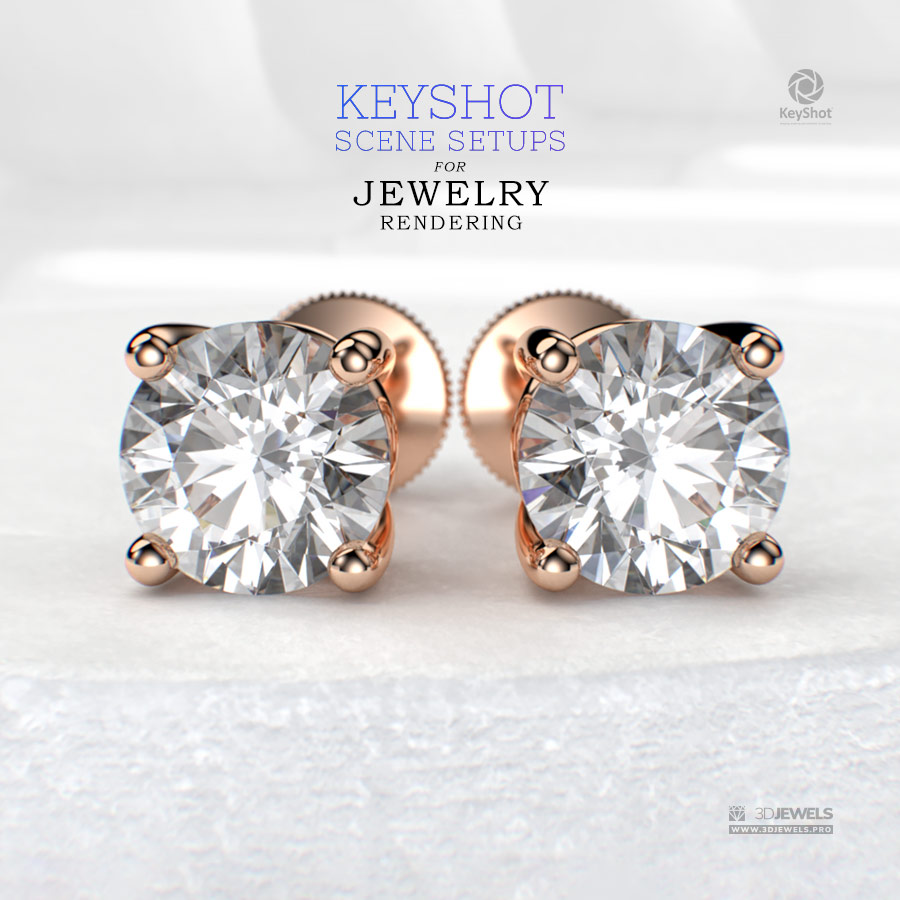
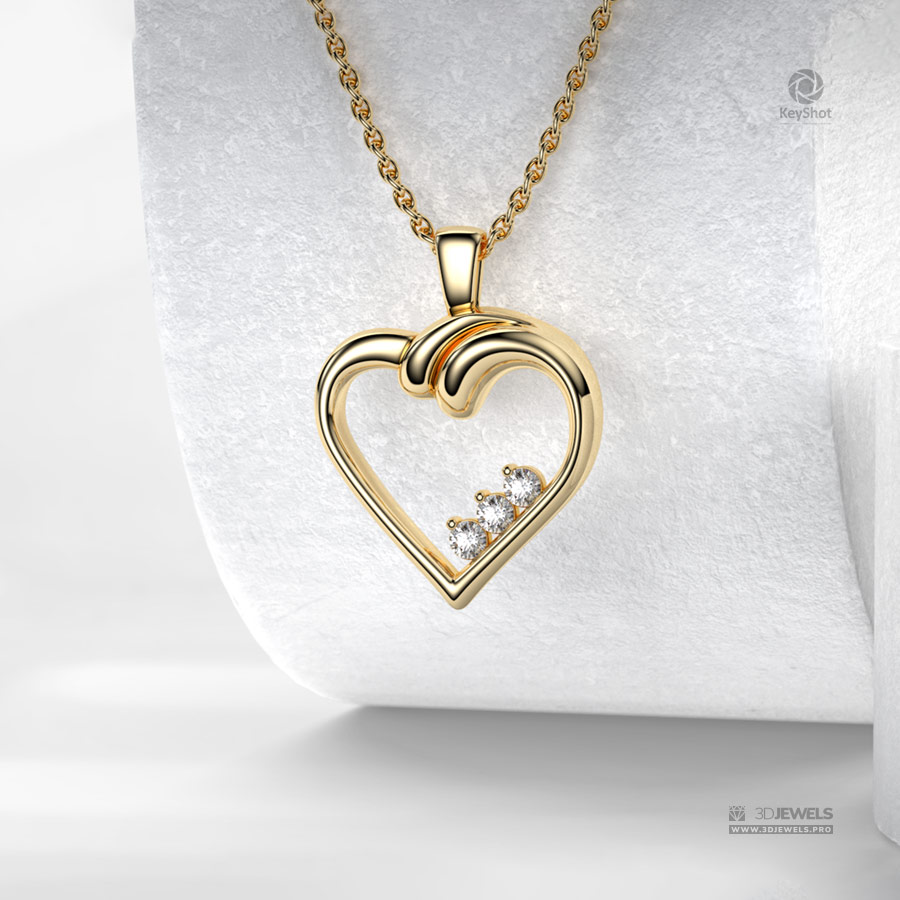
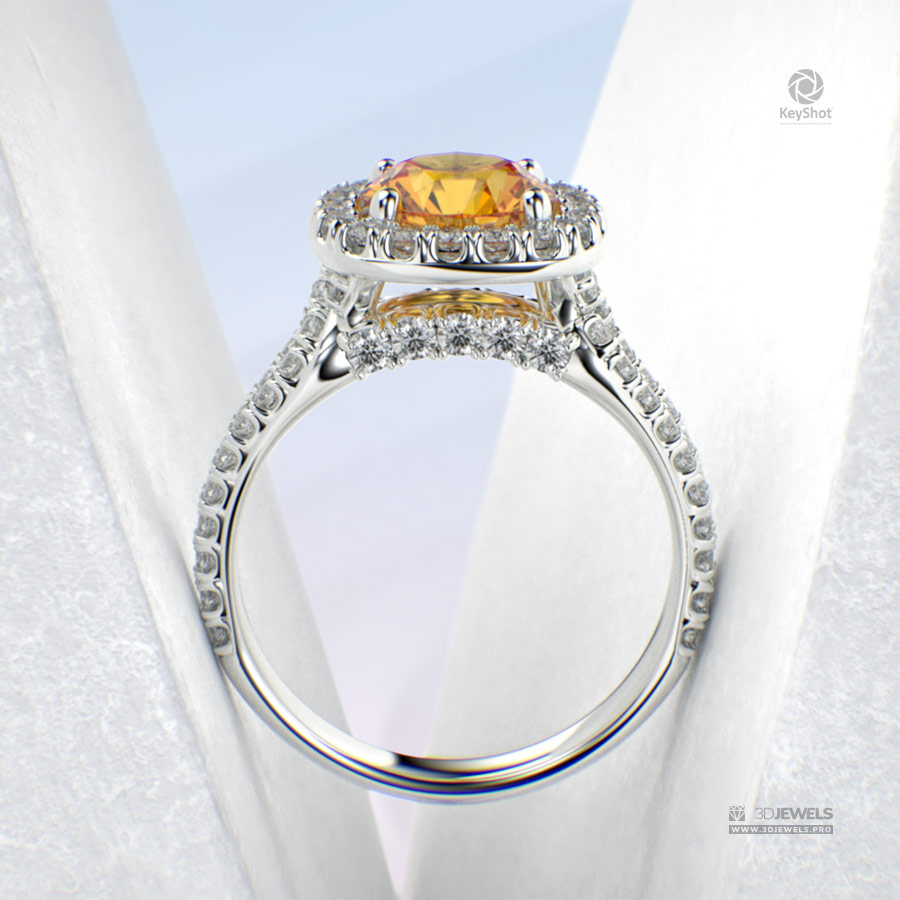
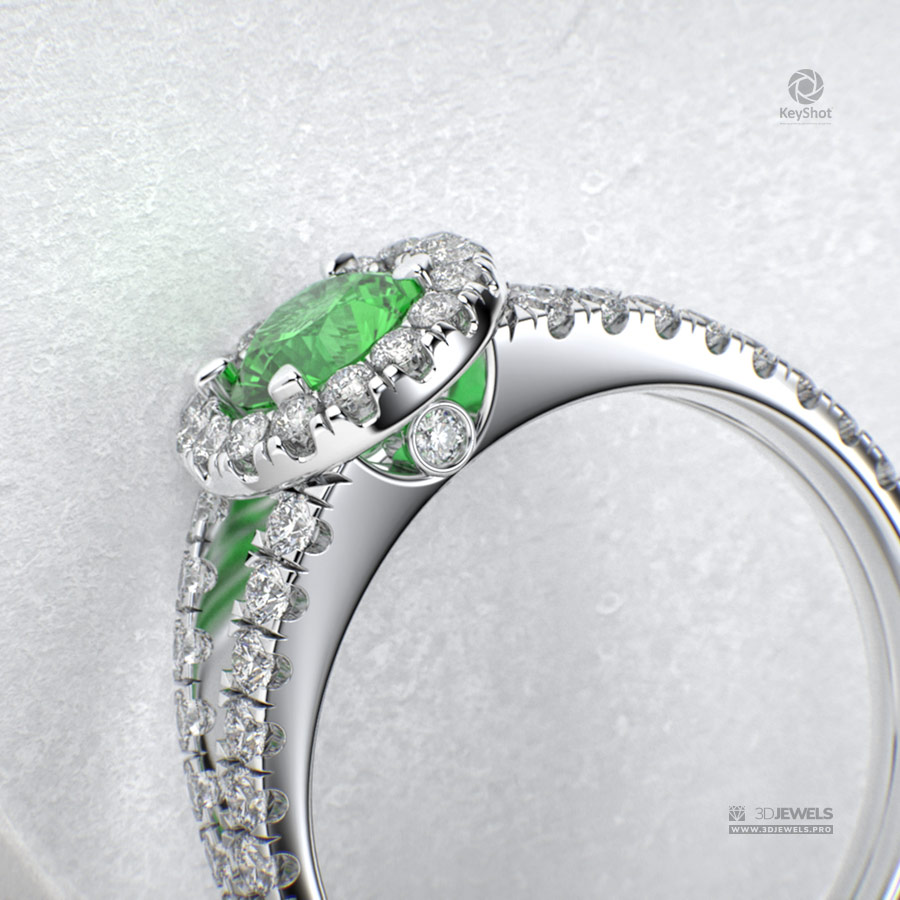
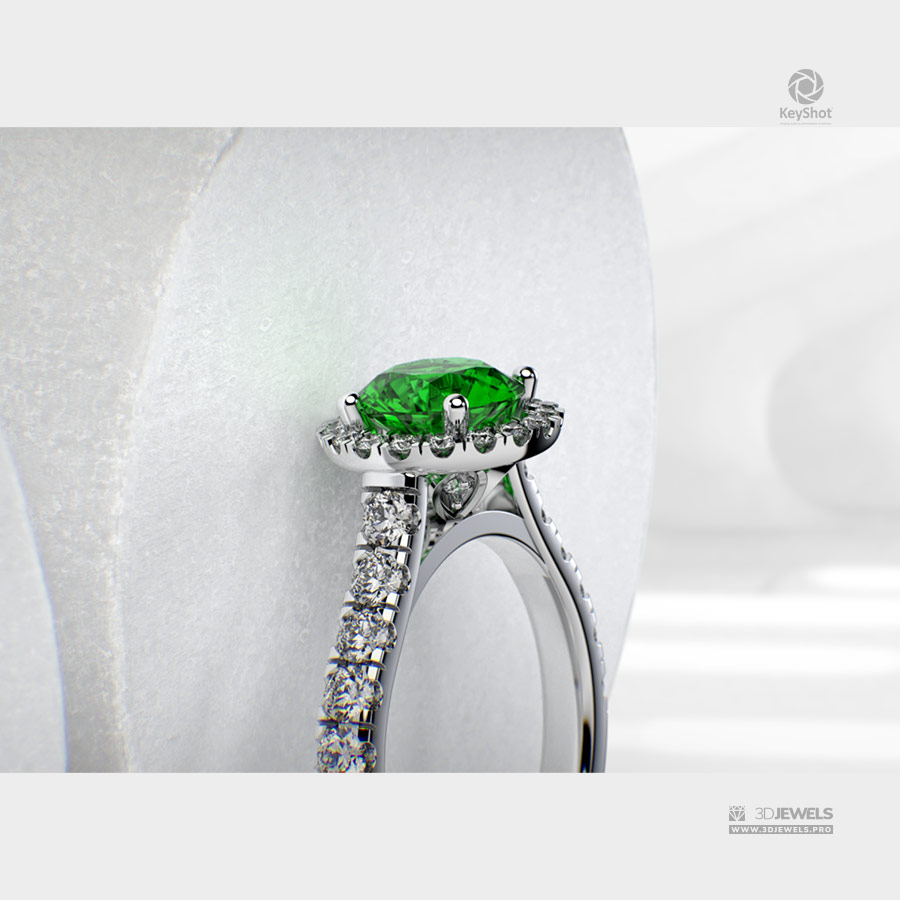
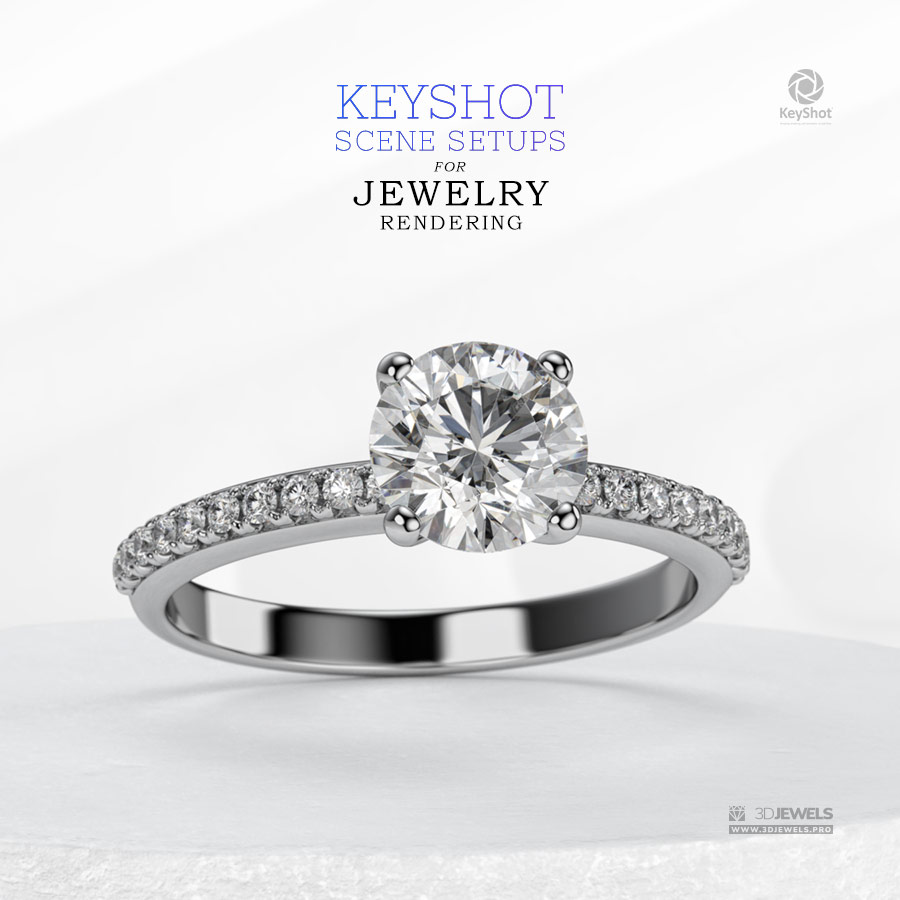
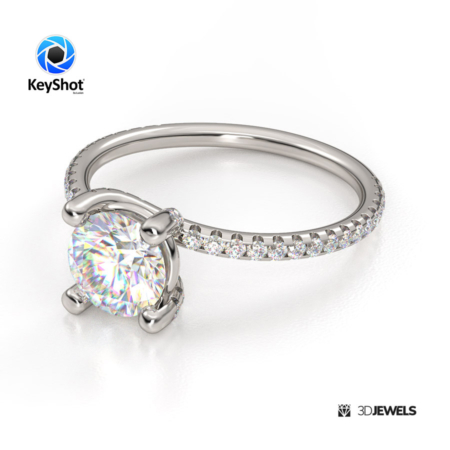
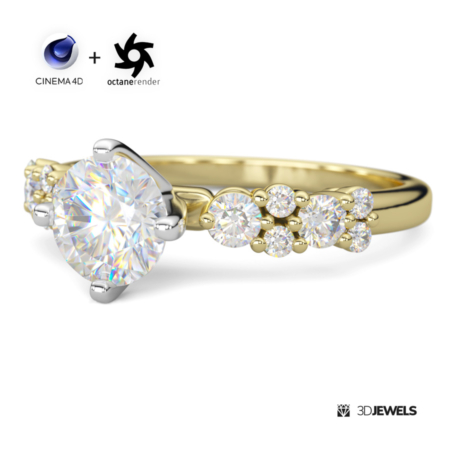
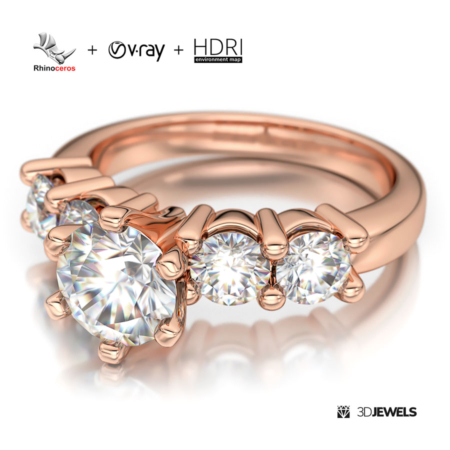
This pre-configured scene is great for visualizing your jewelry on a stand in light colors and with a white background. The set includes the most commonly used colors of gold and gemstones.
The scene has 2 configured HDRI maps that can work differently in different cases. Try playing around with switching from one HDRI to another to find the best result.
Note! Sample render files are not included.
Software is not included in the KIT price.
What needs to be done?
- open the received scene file KeyShot
- import model and apply materials
- adjust lighting using the HDRI environment
- done!
Kit includes:
- 2 scene KeyShot packages (ver.11 and ver.2024 /.ksp):
– 10 color gold materials (3x white, 3x yellow, 3x rose, platinum)
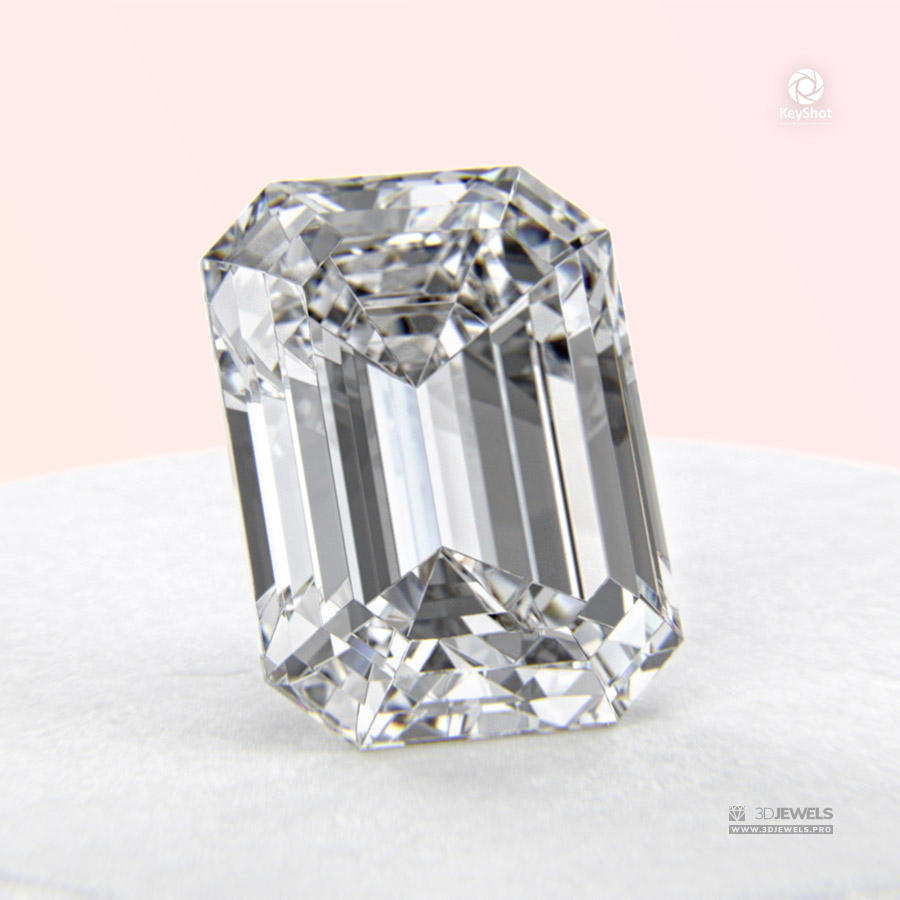
– 5 gemstone materials (white diamond, ruby, sapphire, emerald, citrine)
– stand material
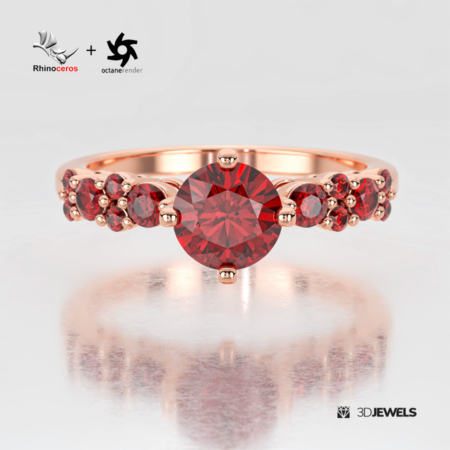
– 2 HDRI maps - Ring 3D model from the sample (on the last image). Formats: OBJ, FBX, STL (print-ready)
- Stand 3D models. Format: FBX
- Textures PBR. Formats: JPG, PNG (4096×4096 pxs)
- Simple user guide (PDF)
⚠️ Requirements:
- Luxion KeyShot Software version 11 (or later). Learn more.
Need help?
Check out our quick video on setting up similar scenes.
Don’t miss our full video course on Jewelry Rendering in KeyShot!
Reviews
There are no reviews yet.