

Description
Features:
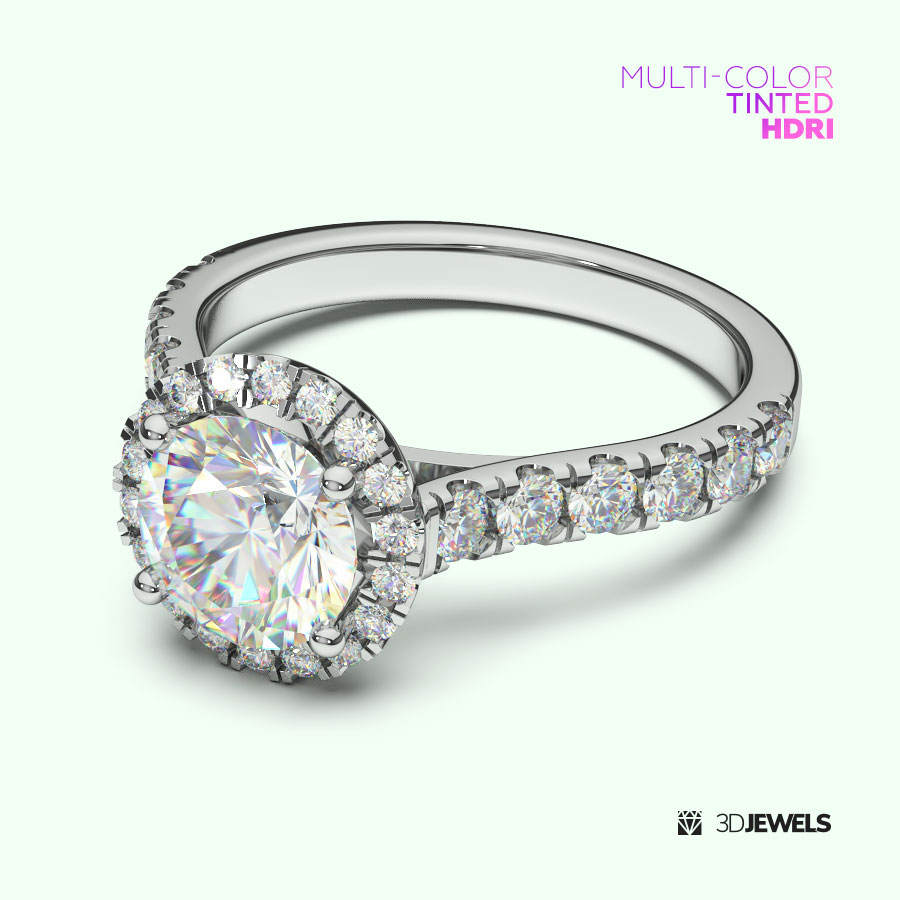
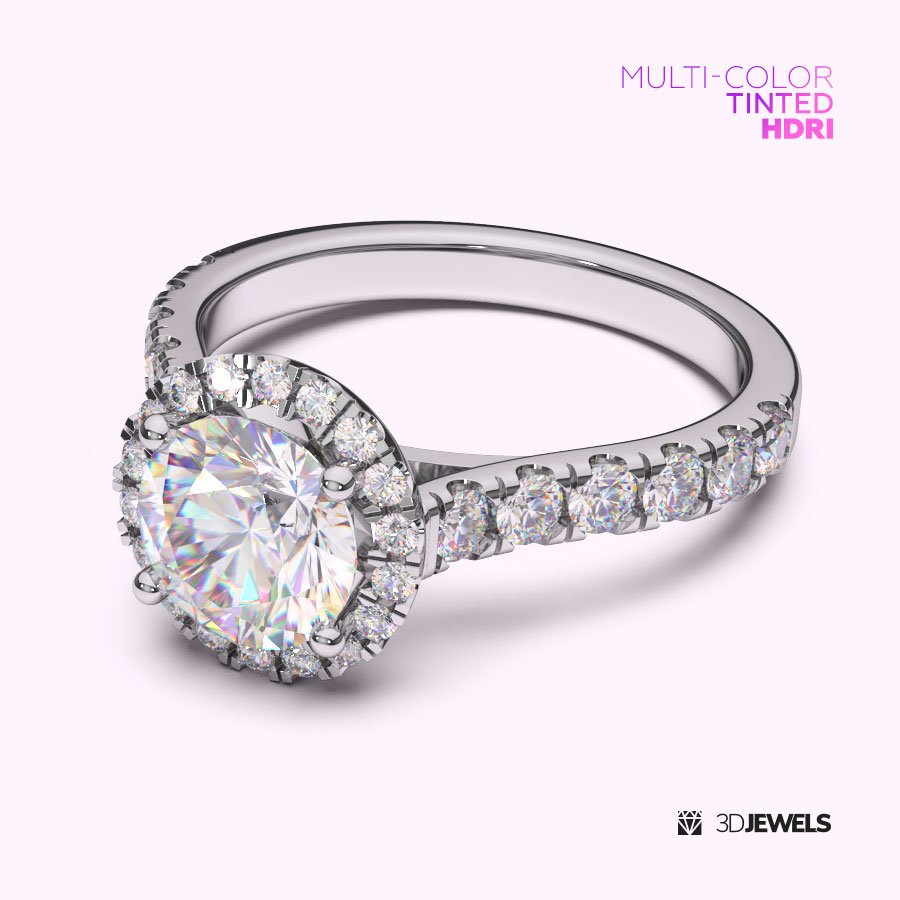
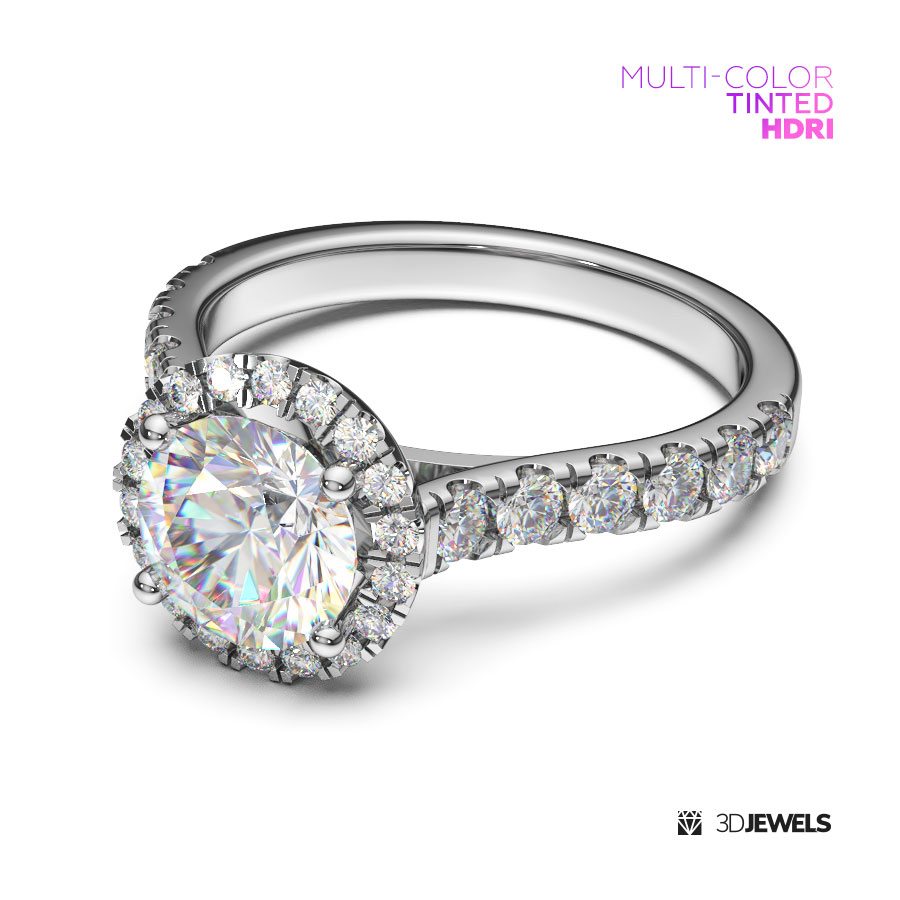
- 6 pcs. of multicolored HDRI environment maps (5000×2500 pxs)
- gold KeyShot materials
- diamond KeyShot material
- 3 gemstone KeyShot materials (ruby, sapphire, emerald)
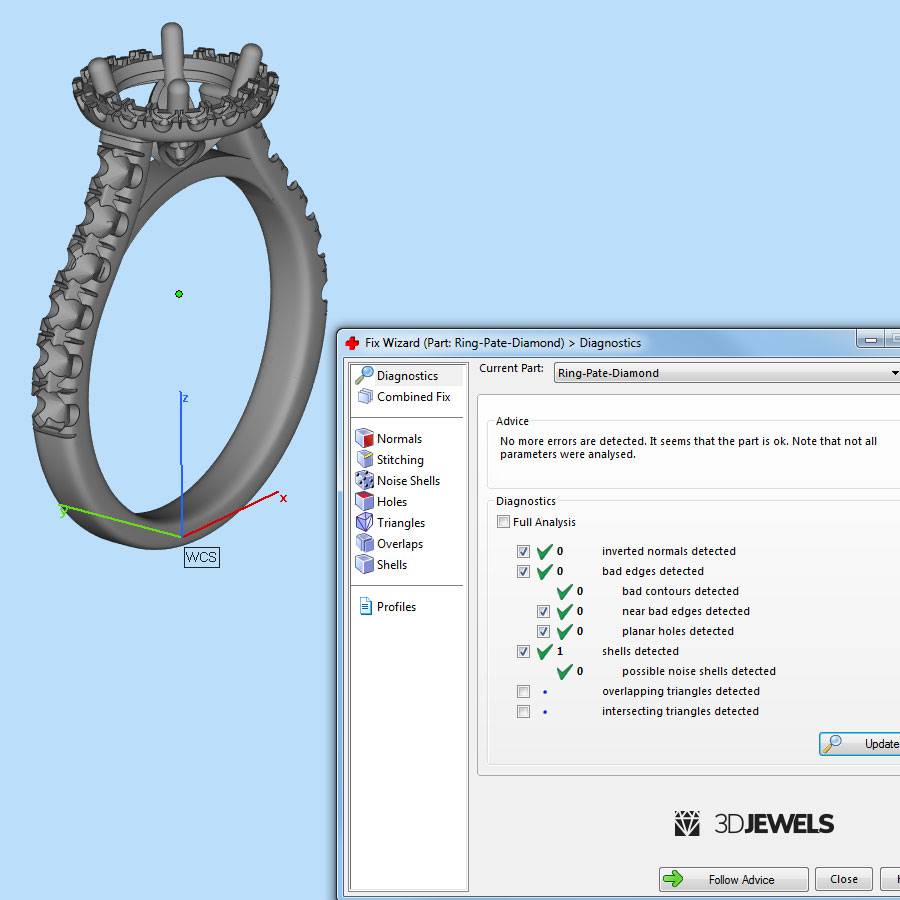
- jewelry ring 3D model from sample render (STL /print-ready, OBJ, FBX)
Details:
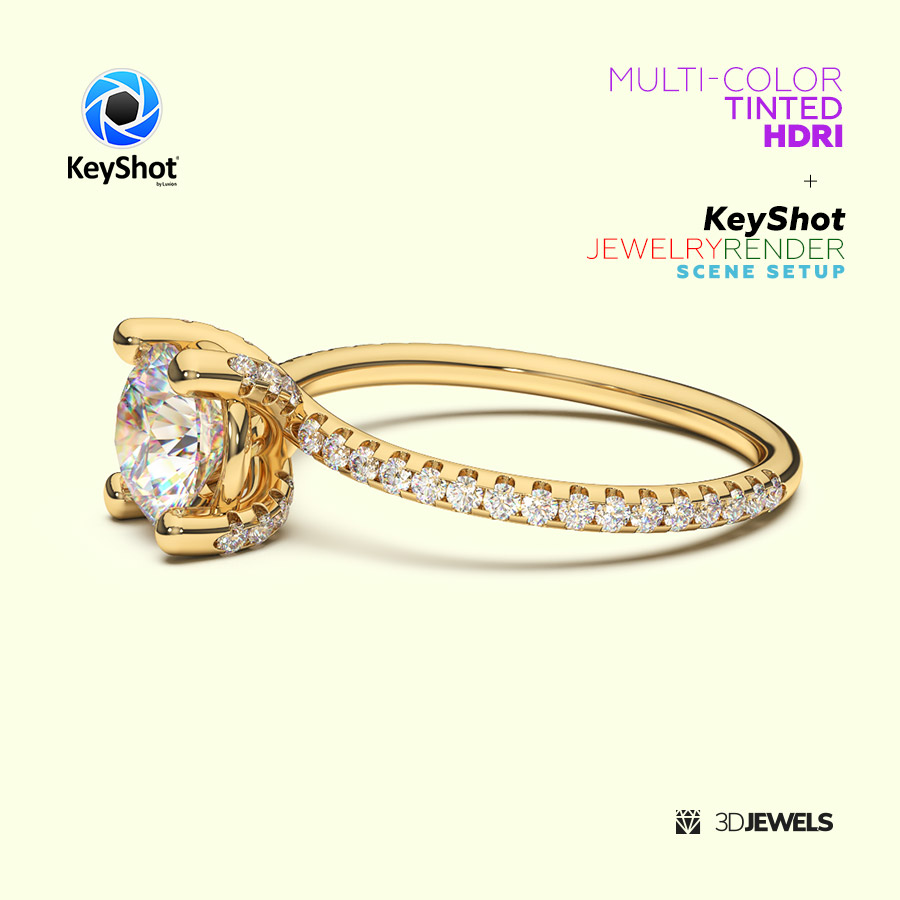
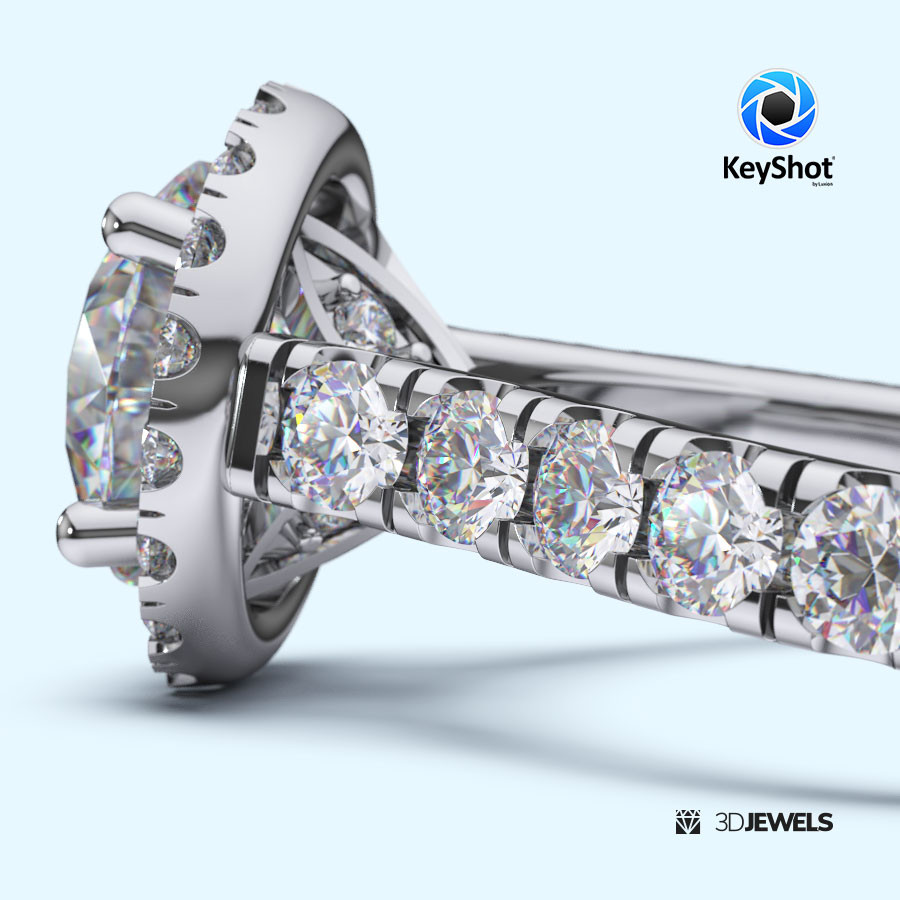
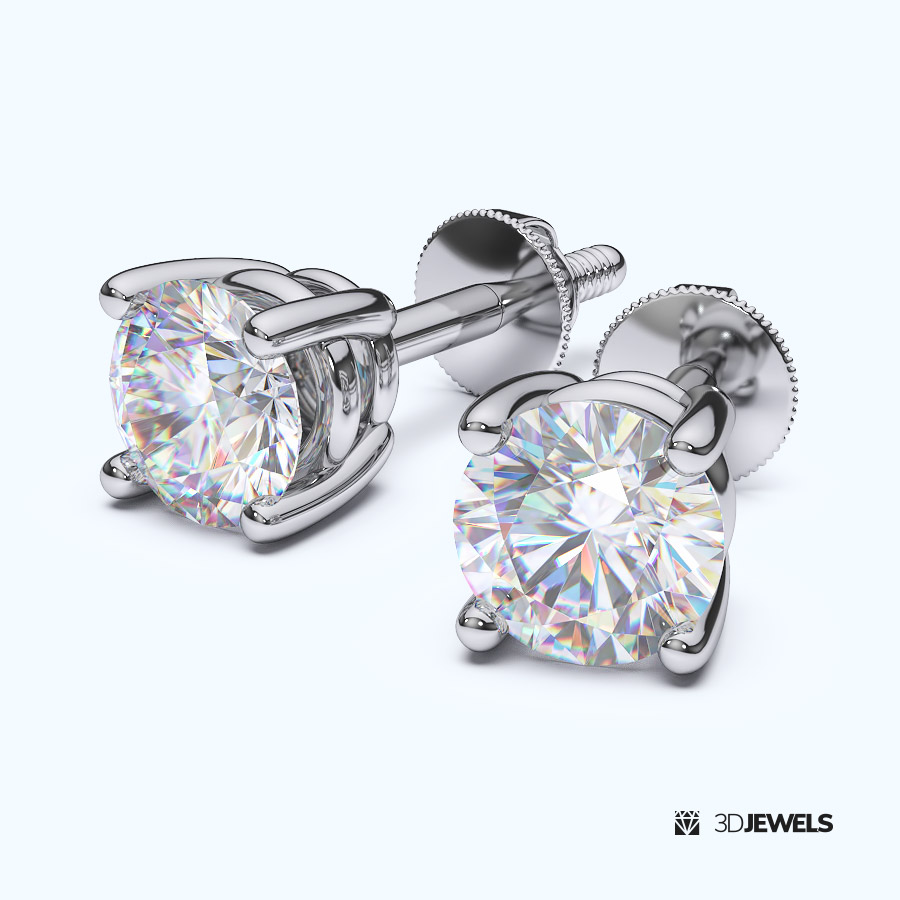
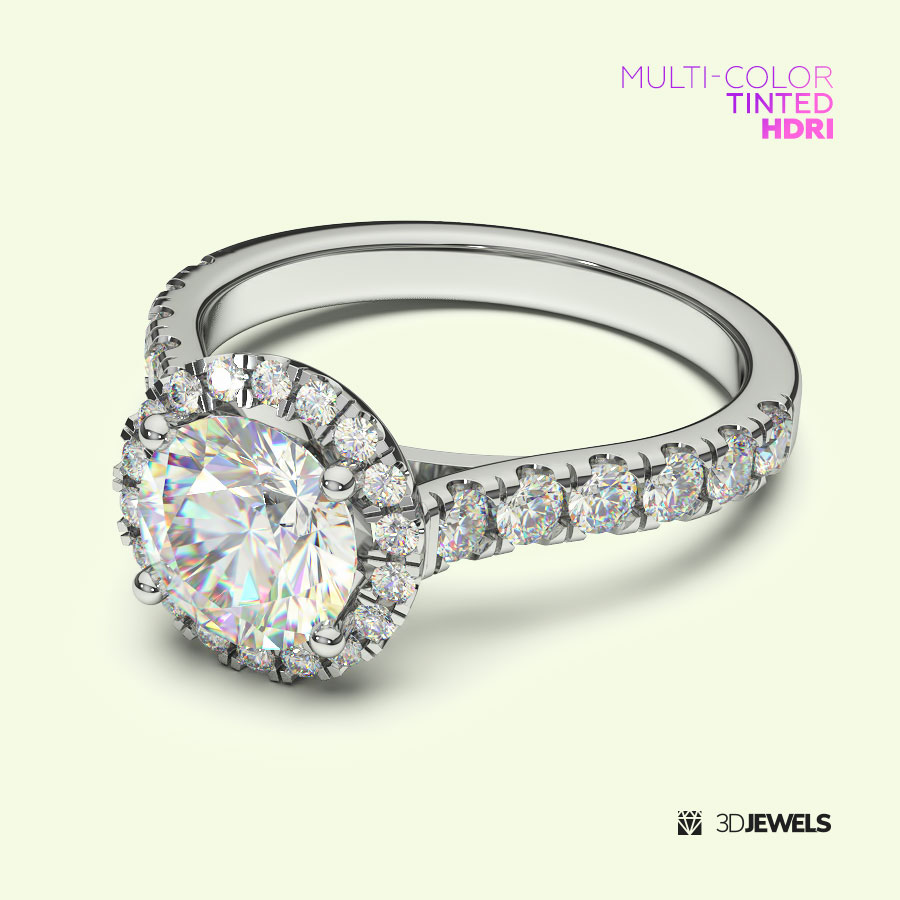
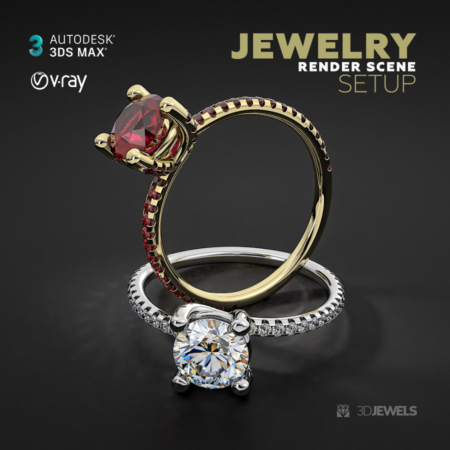
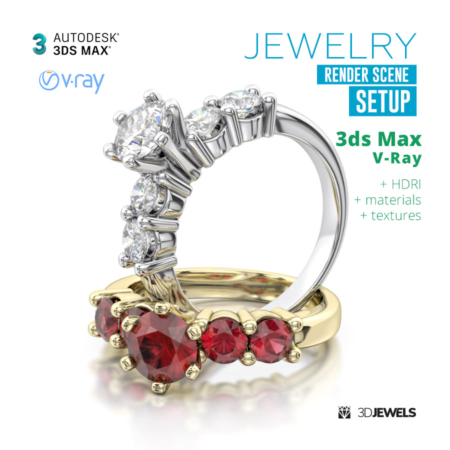
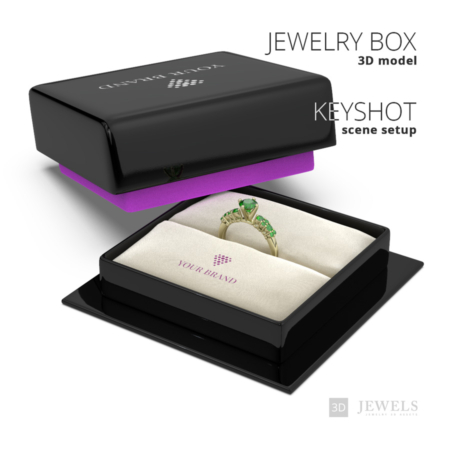
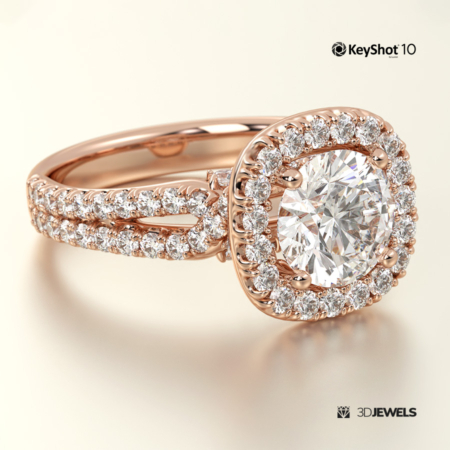
Fully ready-made and configured settings scene for jewelry rendering in KeyShot with color-toned HDRIs included, which will allow you to create a photorealistic render in multi-colored colors.
The scene uses lighting through HDRI maps (included). There is no other light.
Note! Sample render files (images) are not included in the download files.
What needs to be done?
- import model and apply materials
- choose the HDRI map color and adjust the BG color
- adjust lighting using the HDRI environment
- done!
Kit includes:
- scene KeyShot package (.ksp) with:
– 3 color gold materials (white, yellow, rose)
– 3 gemstone materials (ruby, sapphire, emerald)
– white diamond material - 6 pcs. HDRI environment maps (.hdr)
- 3D CAD ring model from sample rendering in the formats: OBJ, FBX, STL (print-ready)
- simple user guide (for start)
Requirements:
- Luxion KeyShot Software version 7 and above. Learn more.
Need help?
Check out our quick video on setting up similar scenes.
Don’t miss our full video course on Jewelry Rendering in KeyShot!
Reviews
There are no reviews yet.