

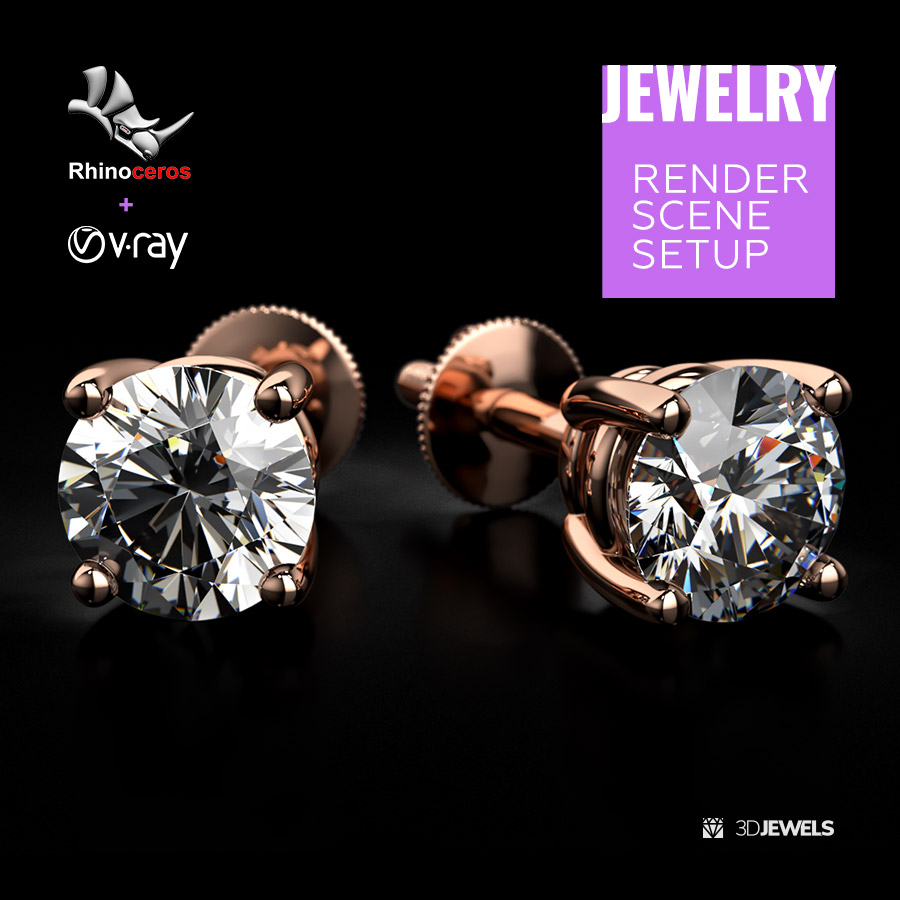
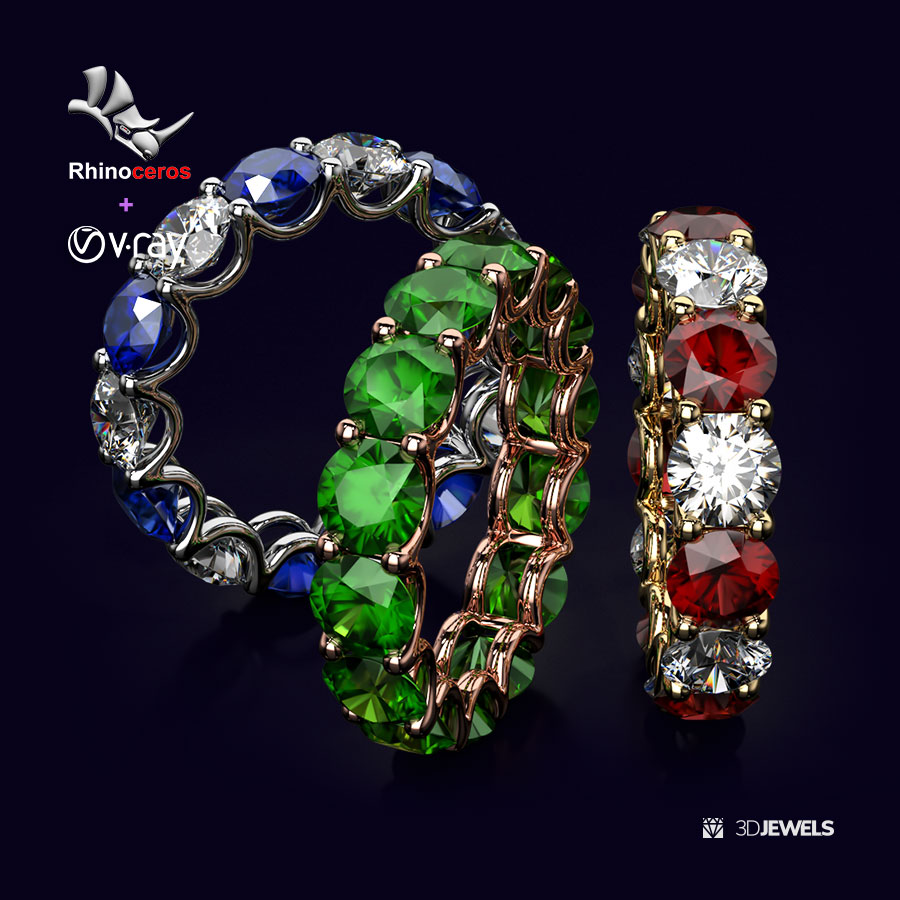
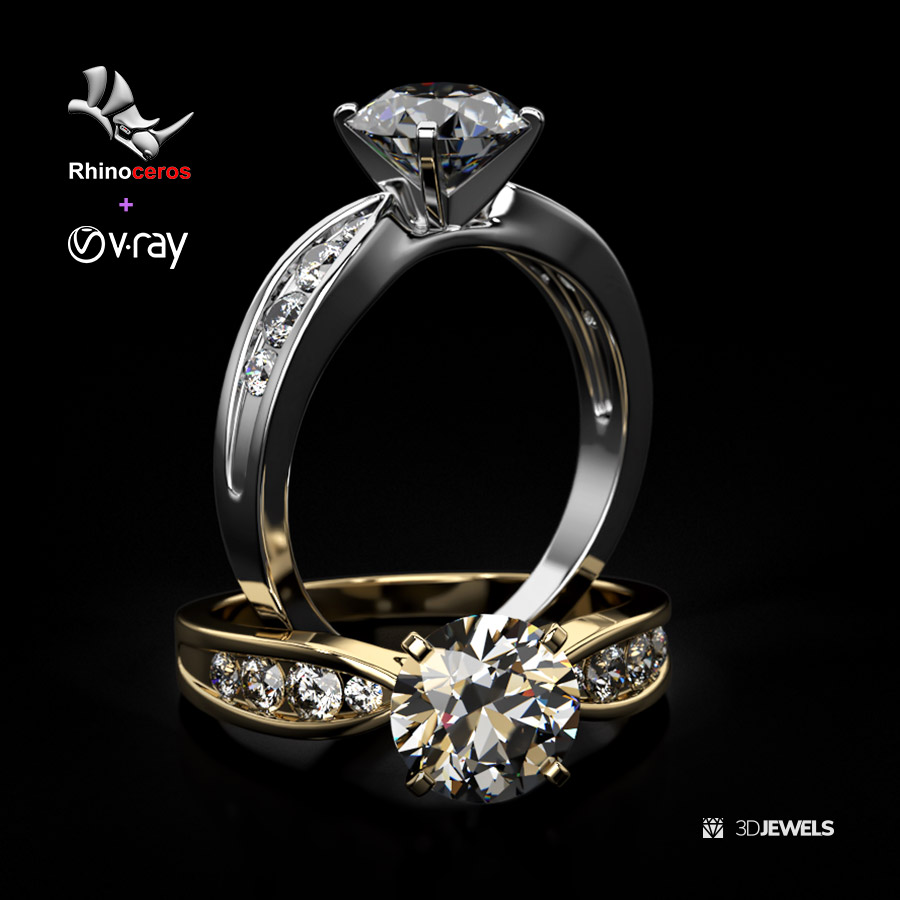
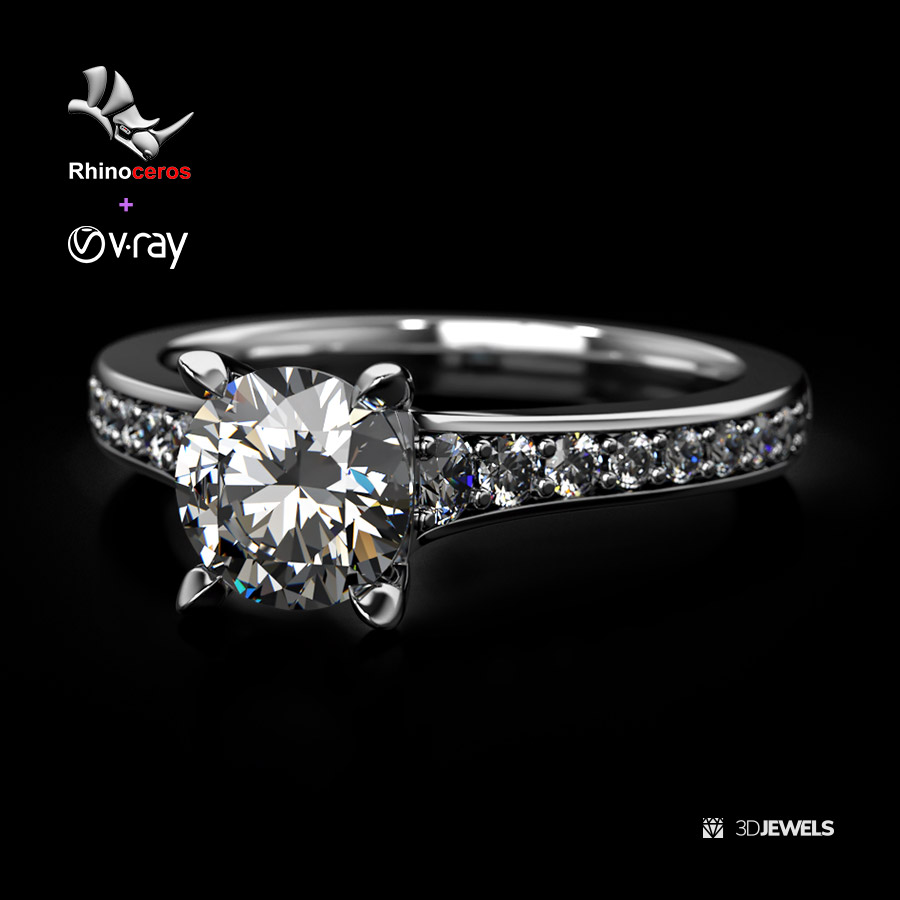
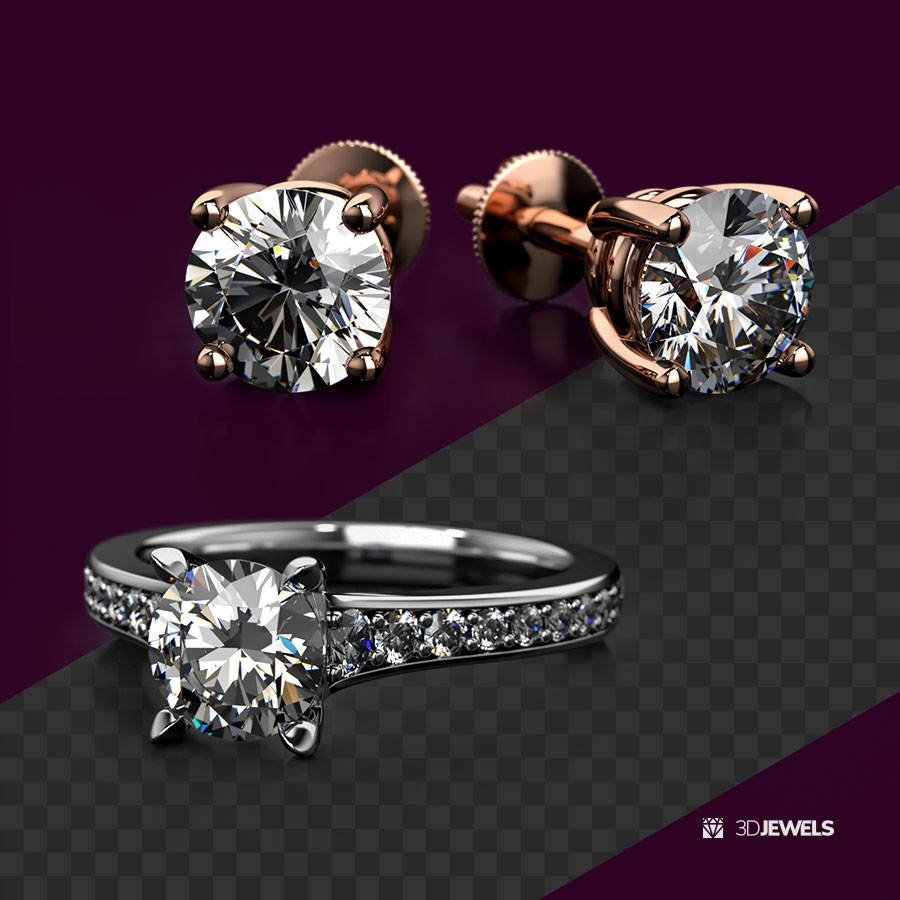
Description
Features:
- 4 precious metal V-Ray materials (white gold, yellow gold, rose gold, platinum)
- 3 gemstone V-Ray materials (ruby, emerald, sapphire)
- White diamond V-Ray material
- Jewelry ring 3D CAD model from sample (print-ready)
- HDRI environment map
- Transparent shadow with reflections on the alpha channel V-ray material
- DOF camera effect
- Start user’s guide
Details:
Fully ready-made Rhinoceros scene setups and settings with V-Ray for photorealistic and high-quality jewelry 3D rendering. Lighting and reflections are used only through the HDRI environment map (included).
The scene file with the settings contains customized materials of gold materials, gemstones, and plane material (background) with a transparent shadow on the alpha channel for easy compositing.
The scene is suitable for Rhinoceros software (version 4 and later) with a V-Ray renderer (version 3 and later).
Note! Sample render files (images) are not included in the download files.
Kit includes:
- Rhinoceros files (versions: 4, 5, 6) with:
— 4 precious metal materials
— diamond/gemstone materials
— plane material (for BG) - Jewelry ring 3D CAD model from the sample (STL/print-ready, OBJ, FBX)
- HDRI environment map (5000×2500 pxs /.hdr)
- User’s guide (.pdf)
Requirements:
- Rhinoceros (versions: 4, 5, 6, and later)
- V-Ray plugin (version 3 and later) for Rhinoceros
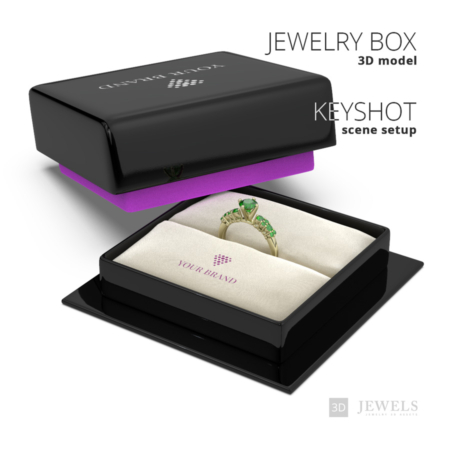
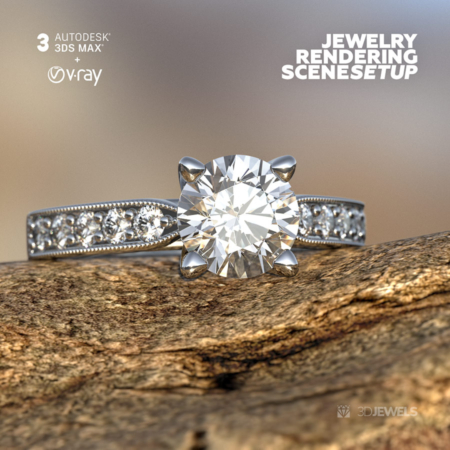
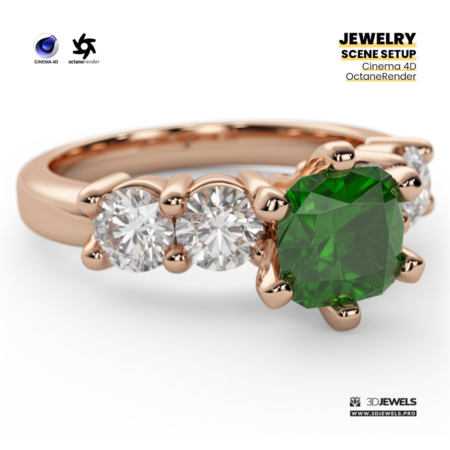

Reviews
There are no reviews yet.