


Description
Features:
- ready-made KeyShot render scene setup
- blackening gold: 3 color KeyShot materials
- white diamond KeyShot materials
- 2 HDRI environment map
- 3 gemstone KeyShot materials (ruby, sapphire, emerald)
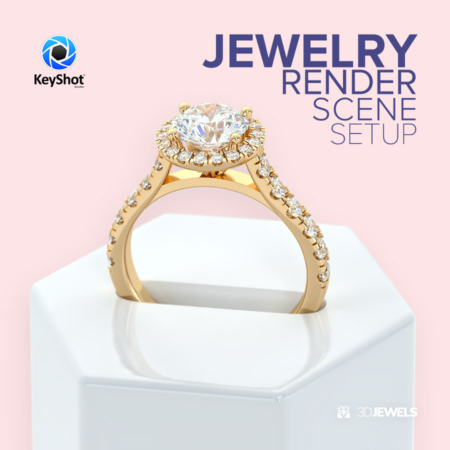
- jewelry ring 3D CAD model from sample render
- scratch texture
Details:
This scene is perfect for rendering jewelry in the style of antique and worn gold or otherwise blackened gold. For example, raw gold or silver for skull jewelry, patterned and branched jewelry, etc.
Blackening. Special acids when applied to the surface of gold cause it to darken or “oxidize.”
Gold has a customized texture of roughness and scratches. The scene has several materials of gemstones, diamond, and gold.
Note! Sample render files (images) are not included in the download files.
Kit includes:
- scene KeyShot package (.ksp) with:
– colors gold materials (white, yellow, rose)
– 3 gemstone materials (ruby, sapphire, emerald)
– white diamond material - scratch texture for gold material (.jpg)
- 2 HDRI environment maps (.hdr/ 5000×2500 pxs)
- CAD ring 3D model from sample rendering. Formats: OBJ, FBX, STL (print-ready), MAX (v.2014)
- short user guide (for a simple start)

Reviews
There are no reviews yet.