


Description
Features:
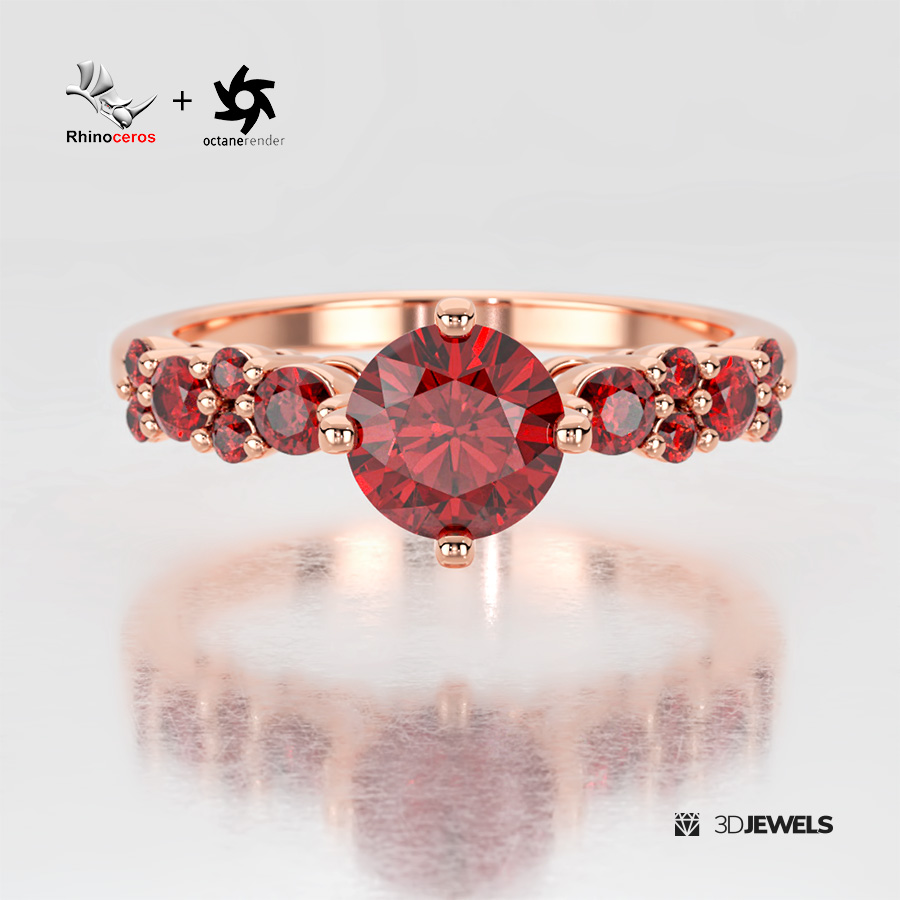
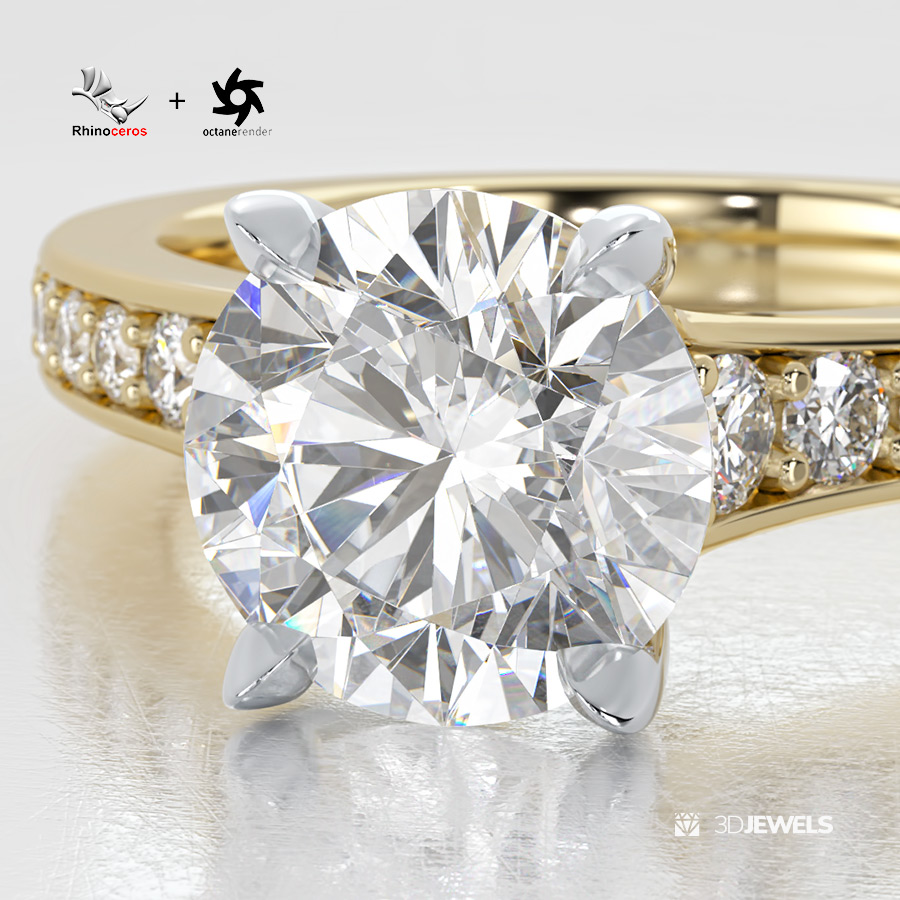
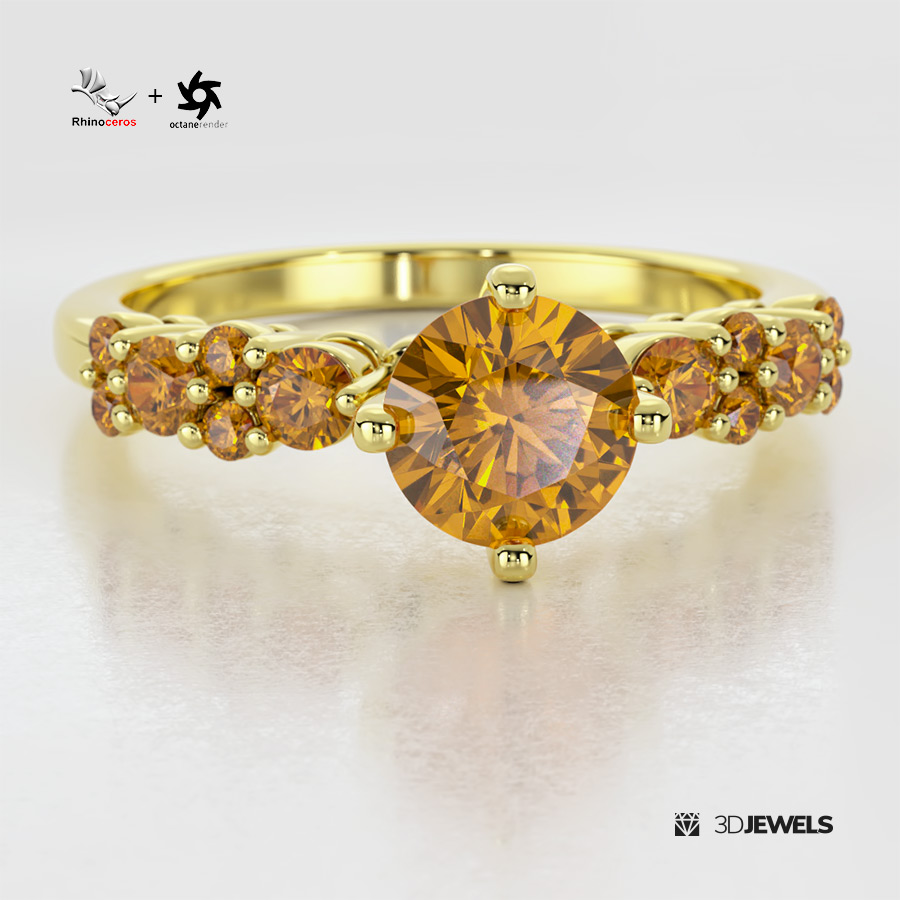
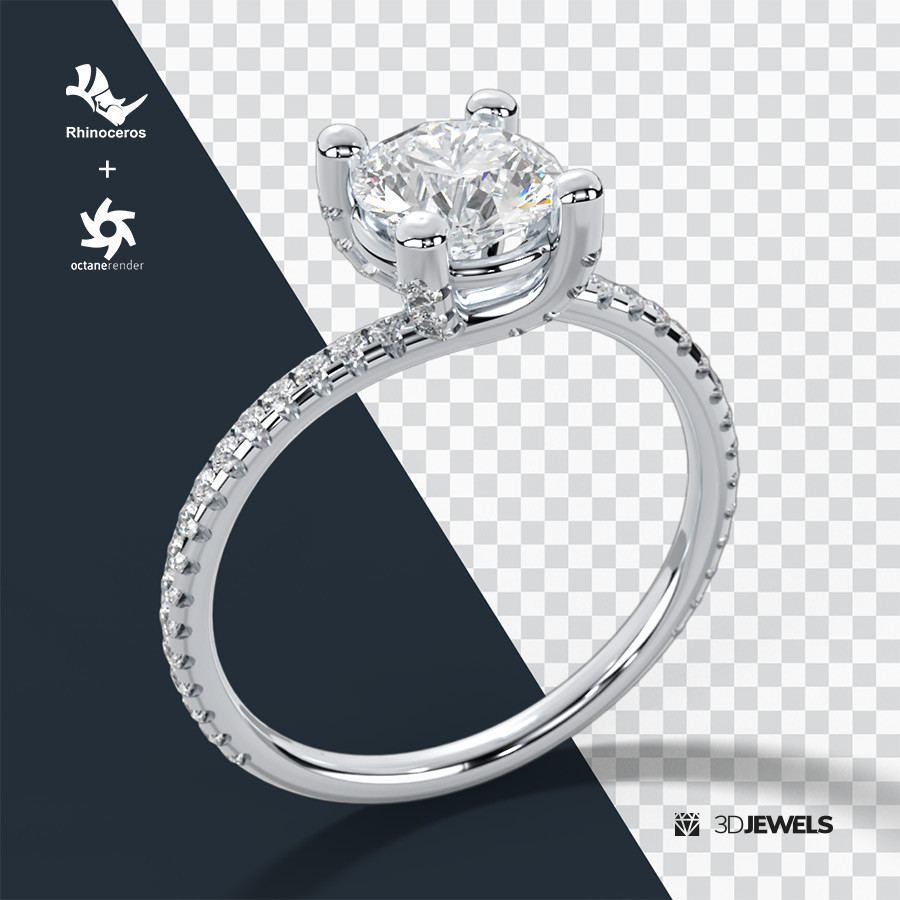
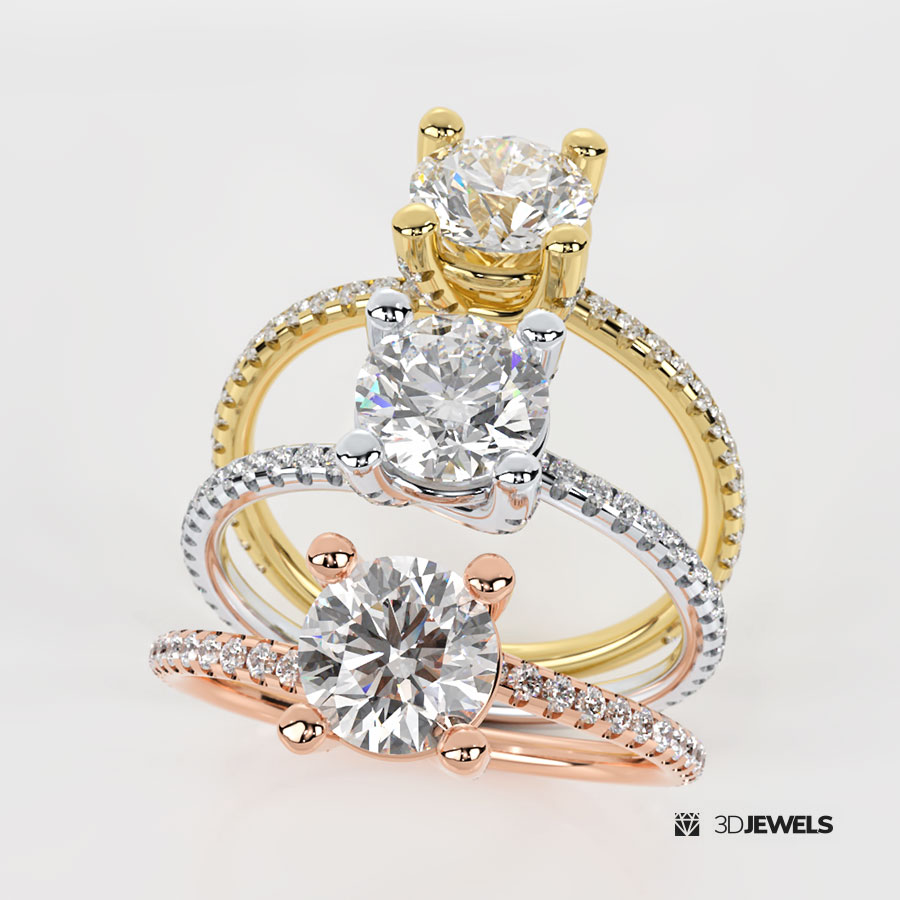
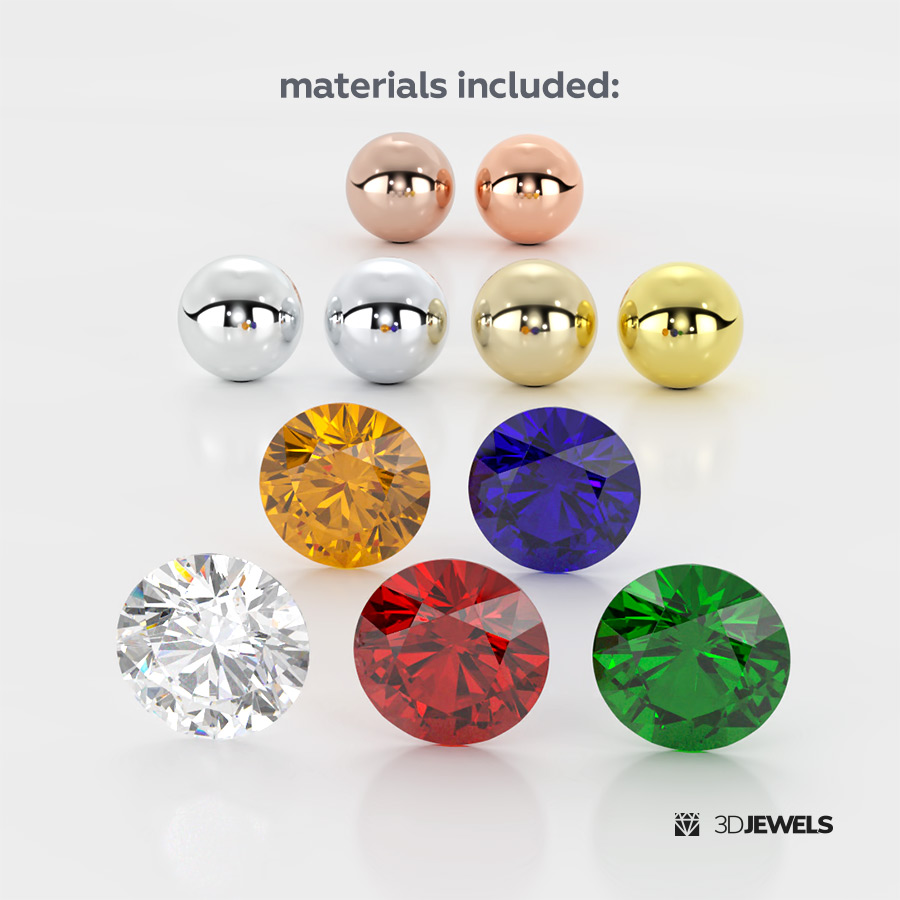
- 6 gold color Octane Render materials (2x white, 2x yellow, 2x rose)
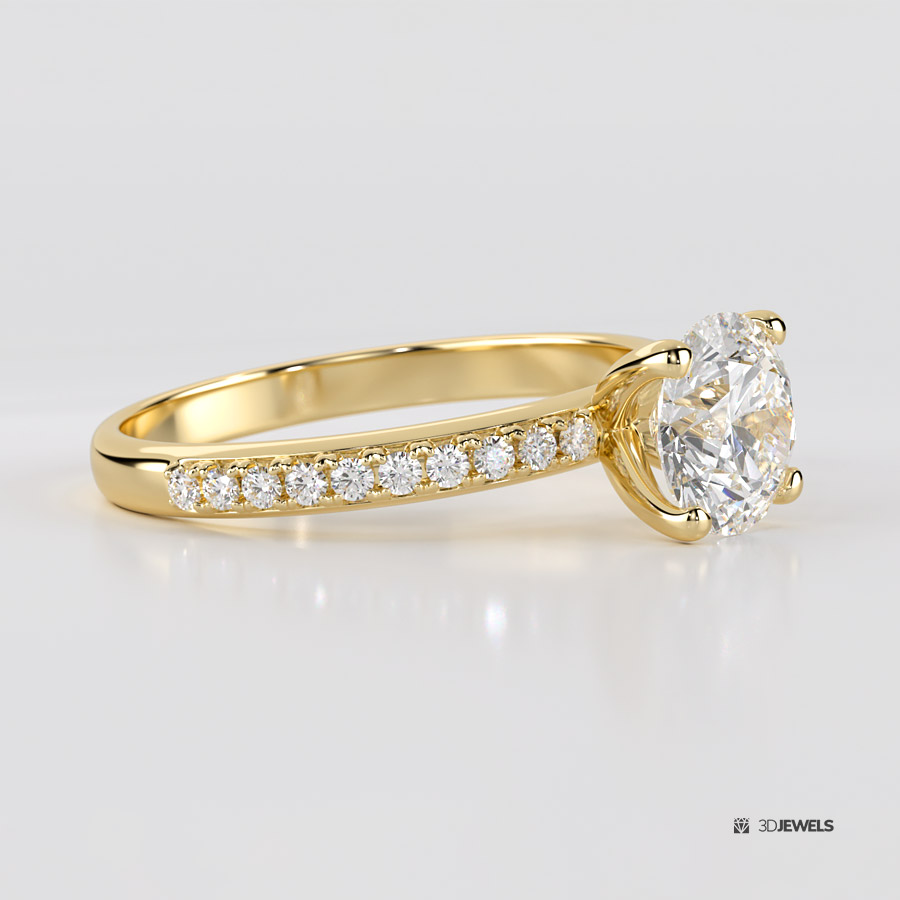
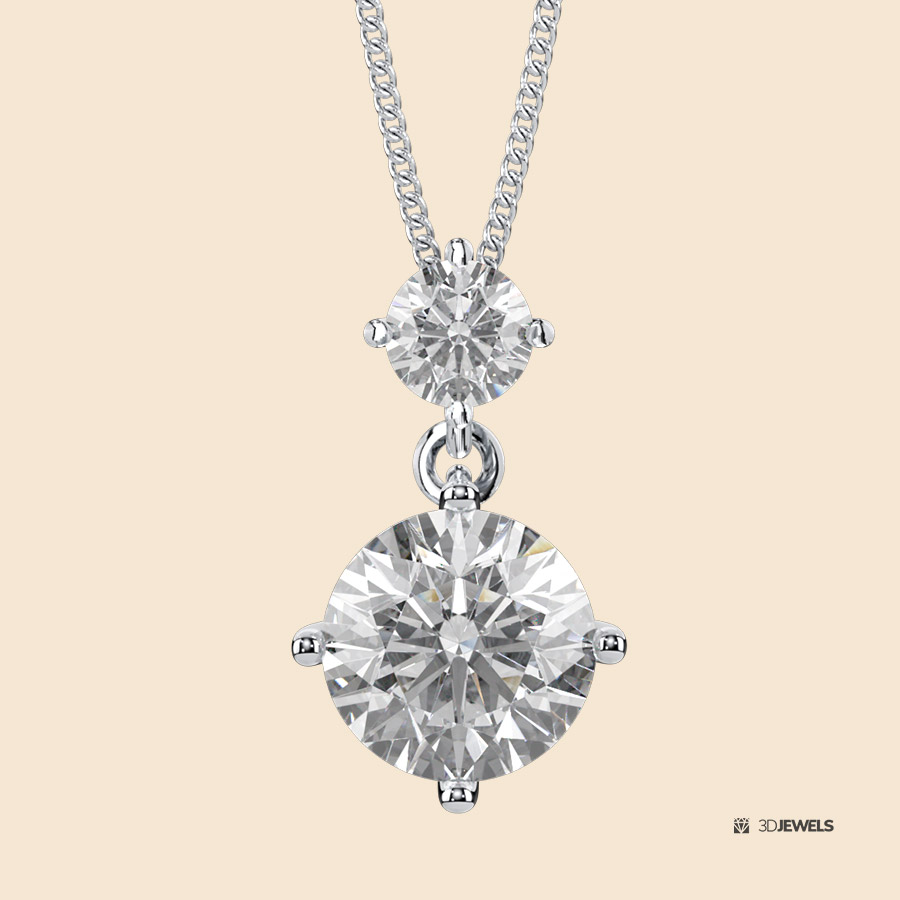
- white diamond material
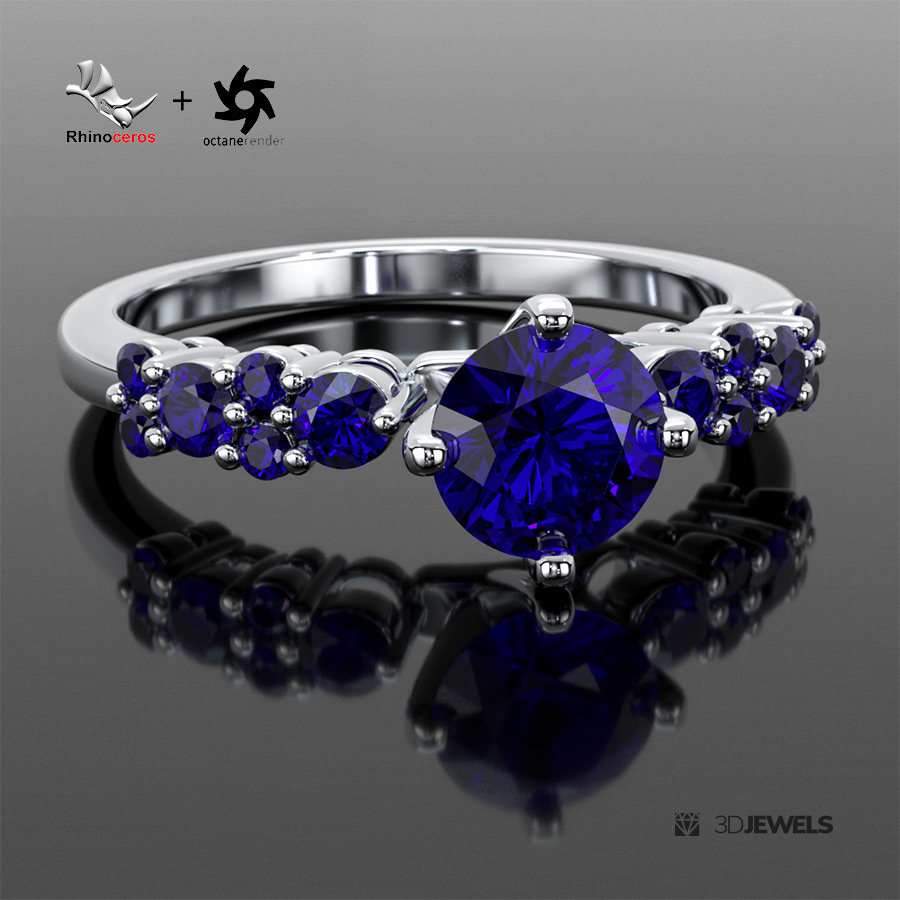
- 4 gemstone materials
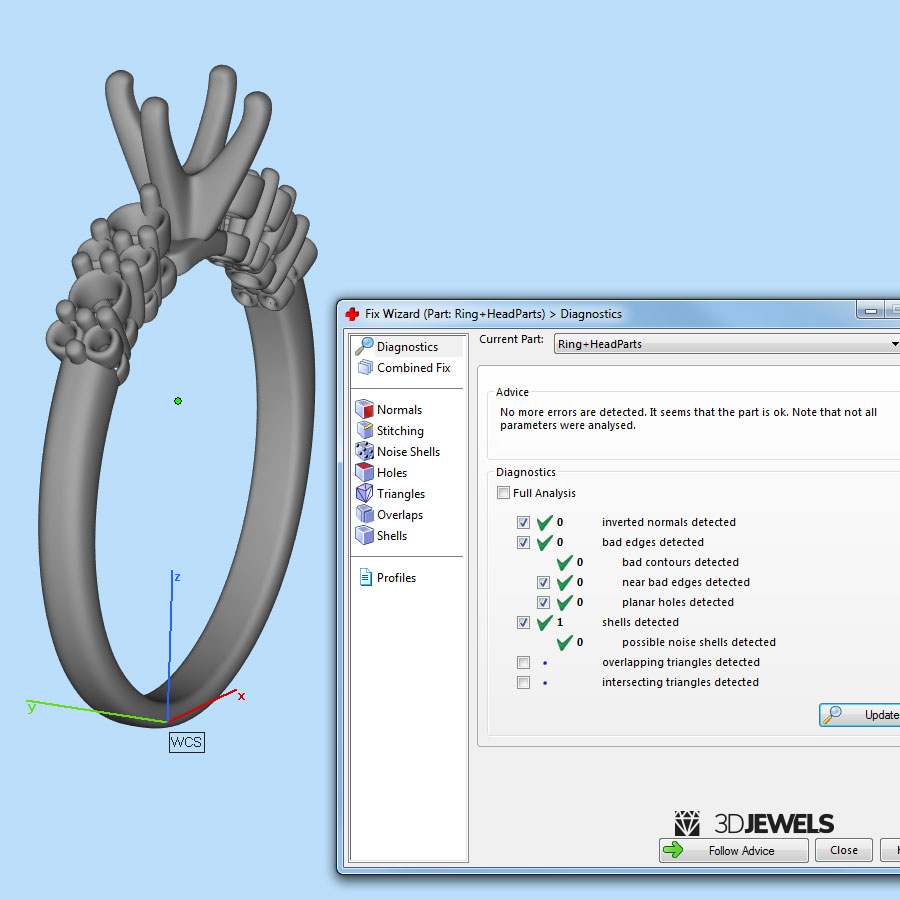
- jewelry ring 3D CAD model (print-ready)
- HDRI environment map
- transparent shadow background material (on alpha channel)
- textured background scratch material
- DOF camera effect
- short user’s guide
Details:
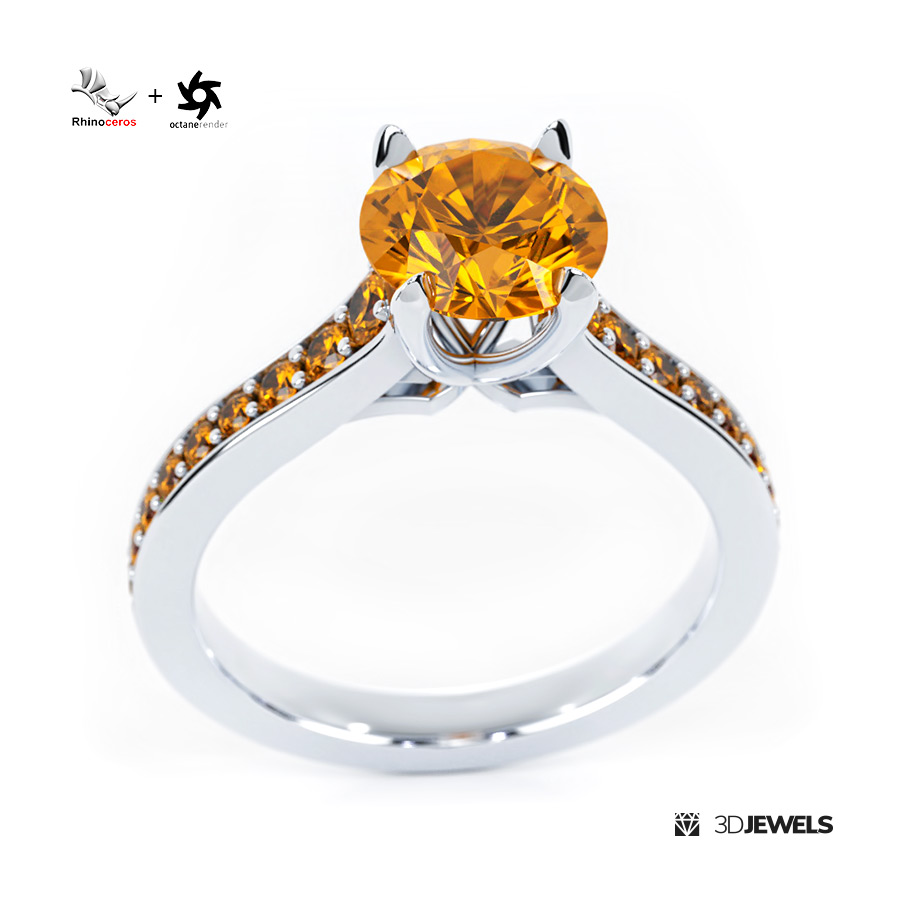
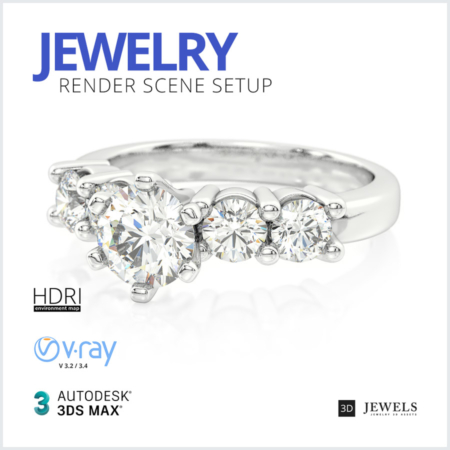
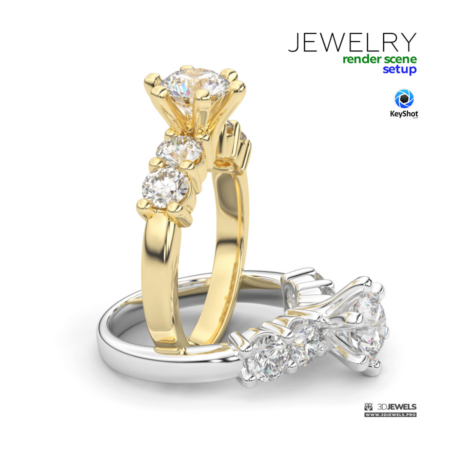
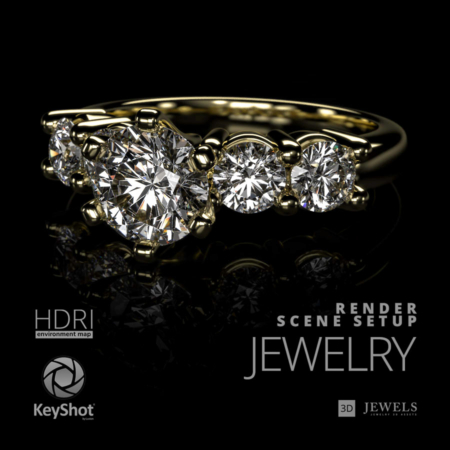
We offer a ready-made Rhinoceros scene setup and settings with Octane Render for simple and high-quality 3D visualization of jewelry.
The lighting is organized using an HDRI environment map and Rhino lights.
The scene contains some jewelry rendering materials. These materials are renderable with Octane Render. Software Rhinoceros and the OctaneRender plugin are not included with this kit and must be purchased and installed separately by you.
The scene was created in Rhinoceros software and the Octane Render plugin. You can use this customized scene to render jewelry in software such as Rhino 4, 5, 6, 7, 8, and Octane Render v.4 or later.
Note! Sample render files (images, video) are not included in the download files.
What needs to be done?
- open the received scene file in Rhino
- import the model and apply materials
- adjust lighting
- done, go render!
Kit includes:
- Rhinoceros scene files (versions: 4, 5, 6, 7, 8) with:
— 6 color gold materials
— diamond material
— 4 gemstone materials
— background materials - Jewelry ring 3D CAD model (STL/print-ready, OBJ, FBX)
- Scratch texture
- HDRI environment map (5000×2500 pxs /.hdr)
- User’s guide
Requirements:
- Rhinoceros. Version 4 (or later)
- OTOY OctaneRender plugin for Rhinoceros version 4 (or later)
Reviews
There are no reviews yet.