

Description
Features:
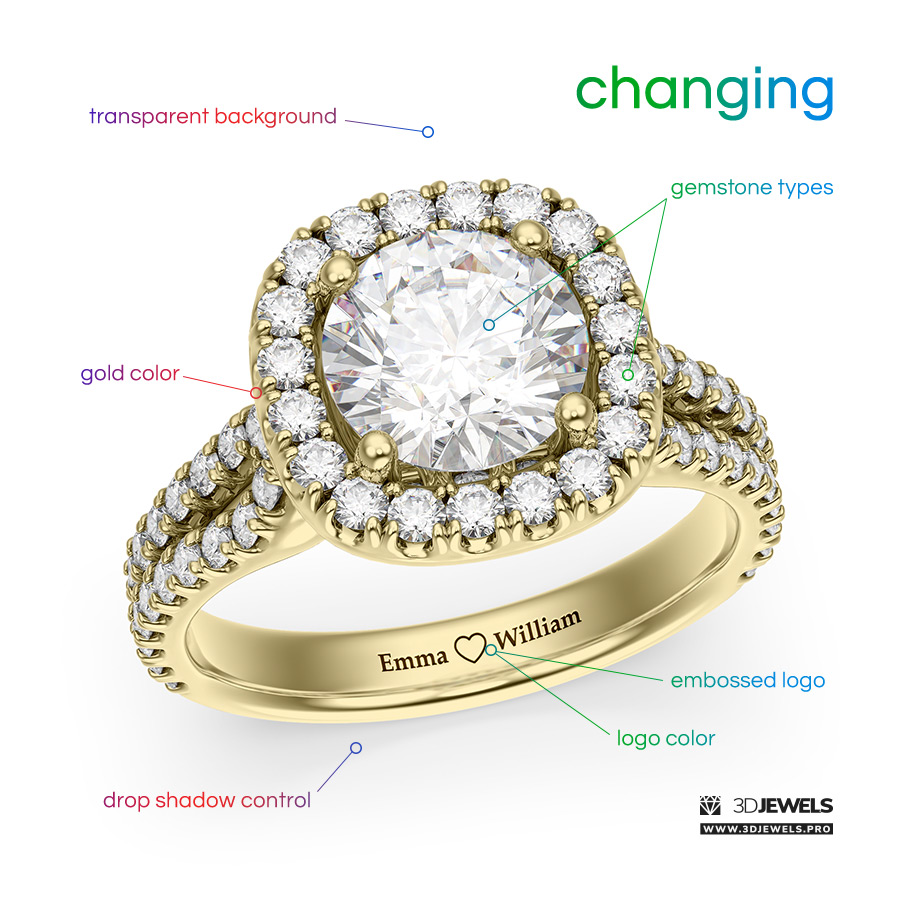
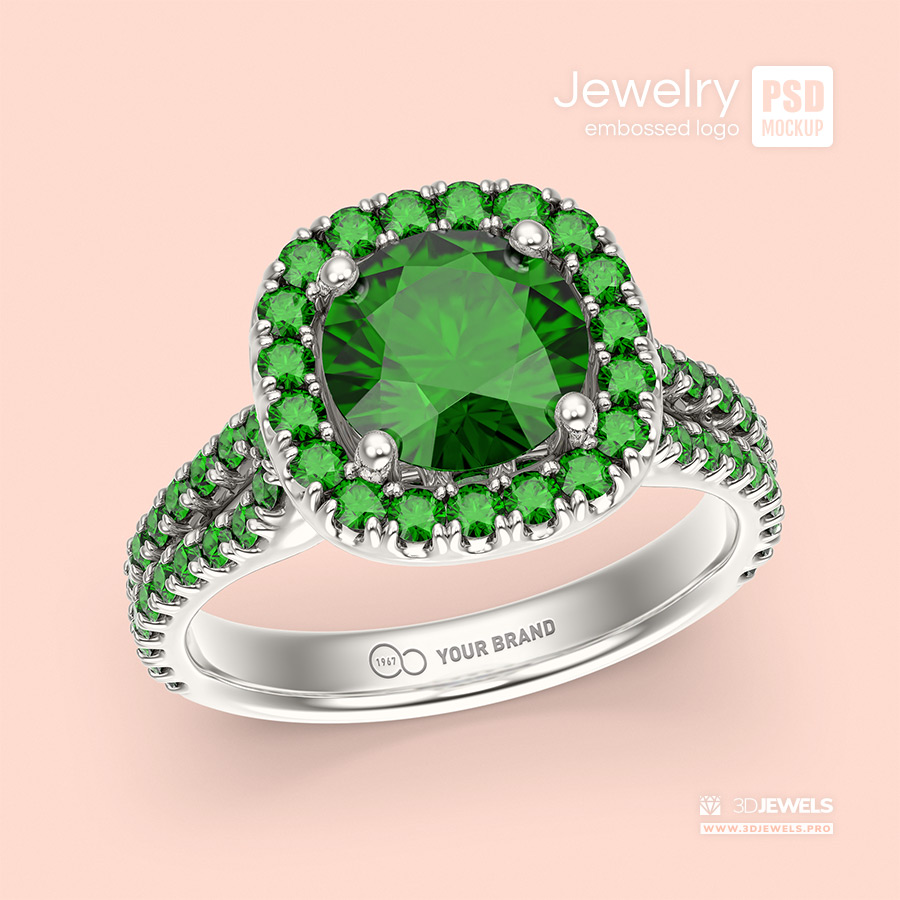
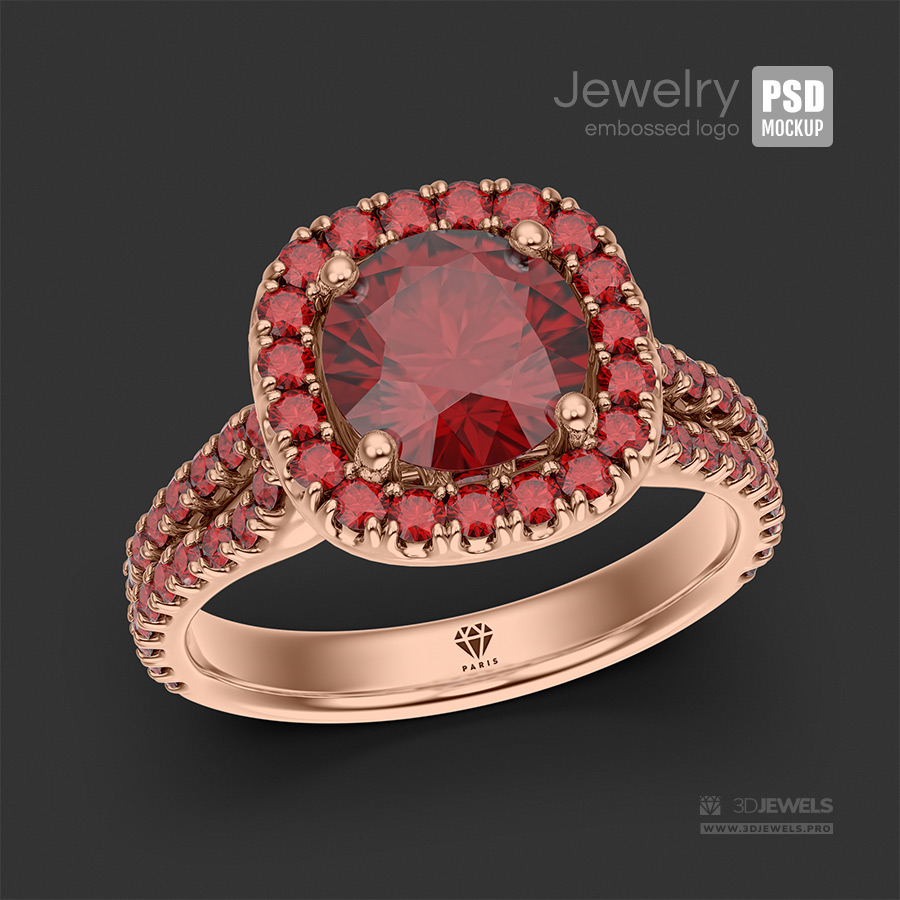
- Changeable ring gold color
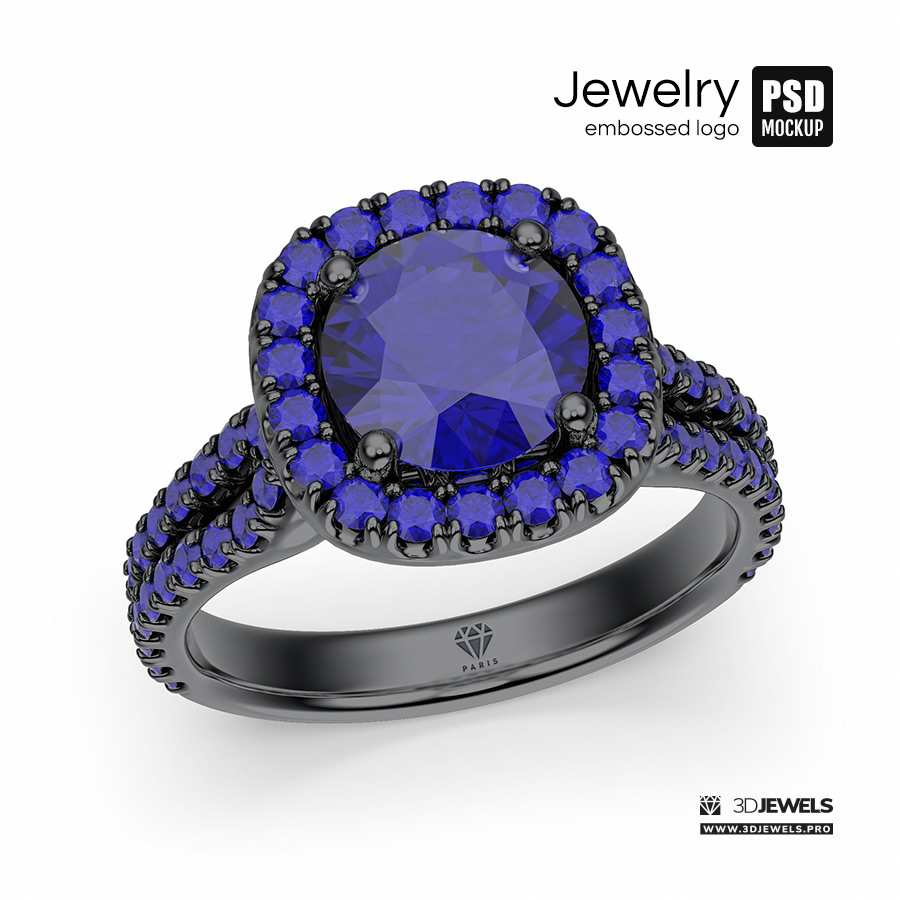
- Changeable gemstone types (Diamonds, Ruby, Emerald, Sapphire)
- Changeable logo color
- Ability to disable shadow
- Transparent background
- Compatible with Adobe Photoshop (CS5+)
Details:
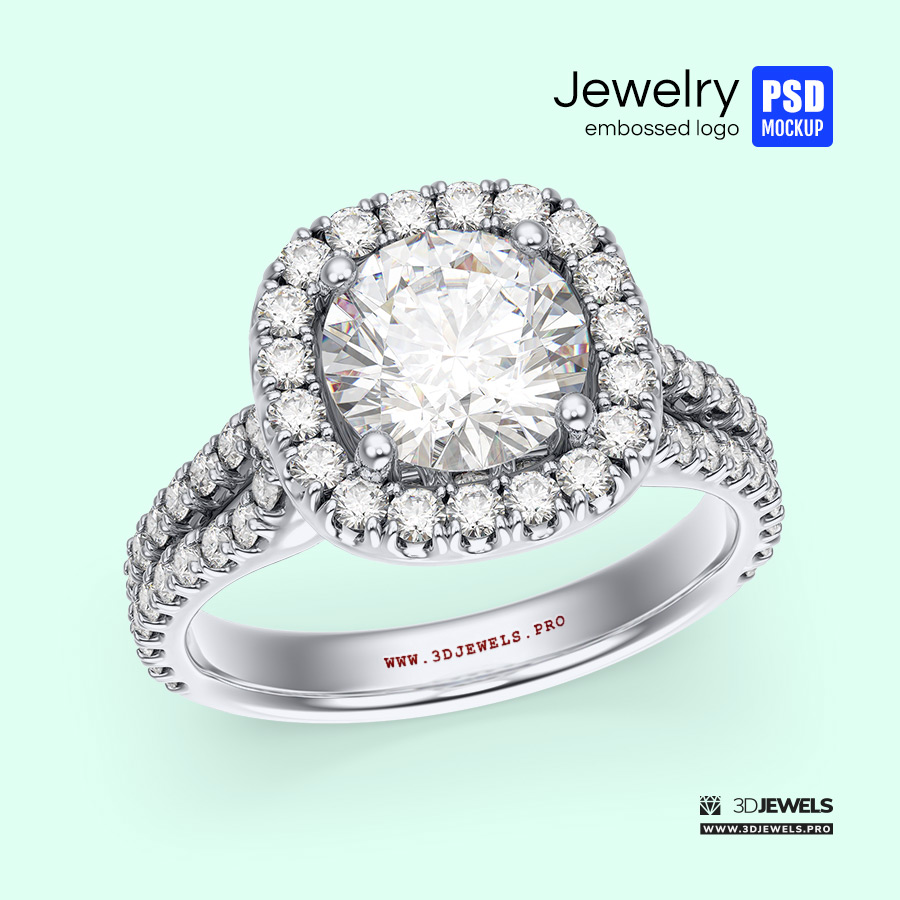
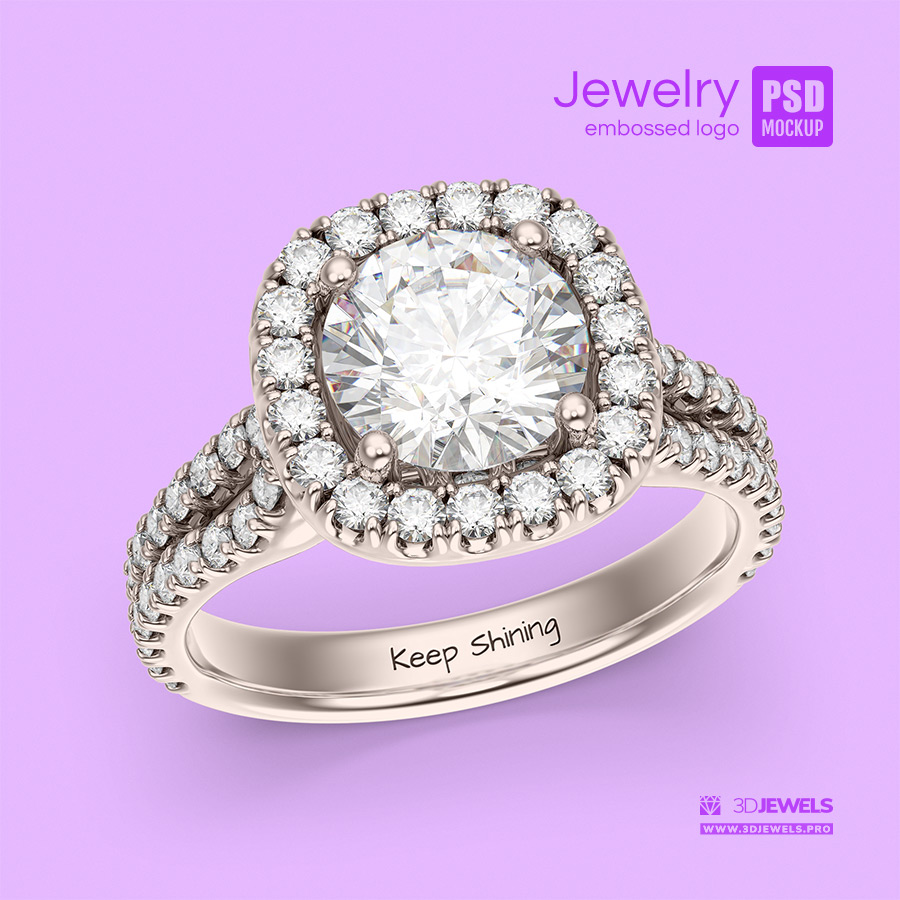
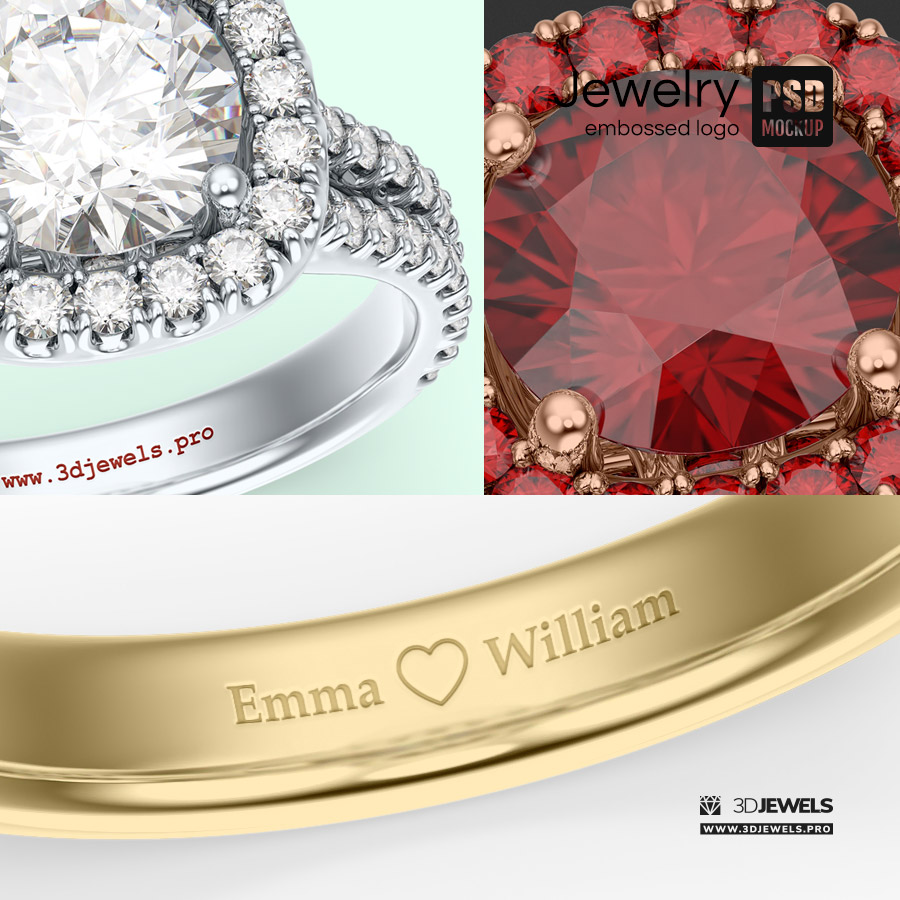
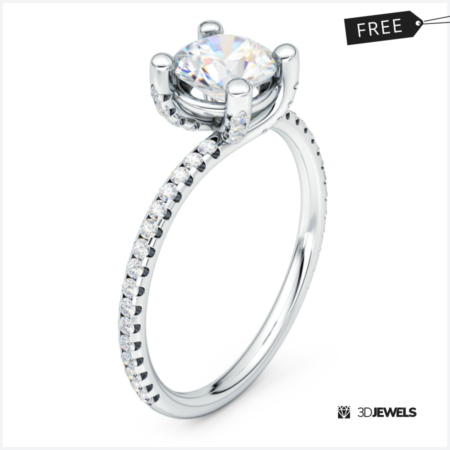
A great way to present or showcase your logo design or text embossed (engraving) on the inner shank of a gemstone jewelry ring.
In the mockup, you can customize the gold color of the ring, change the gemstone type, turn off the shadow, and remove the background.
Check out our tutorial on how to use PSD mockups for Photoshop.
Note! Software is not included in the KIT price and must be purchased separately from the developer.
What needs to be done?
- Unzip the downloaded archive
- Open mockup
- Double-click on the layer icon for the design
- Place your design on the opened layer (smart object)
- Save the file
- All done!
Kit includes:
- Photoshop file (.psd) – 2000×2000 pxs /72 dpi
⚠️ Requirements:
Adobe Photoshop CS5 (and later)


Reviews
There are no reviews yet.