




Description
Features:
- GPU rendering
- Fully ready-made scene setups
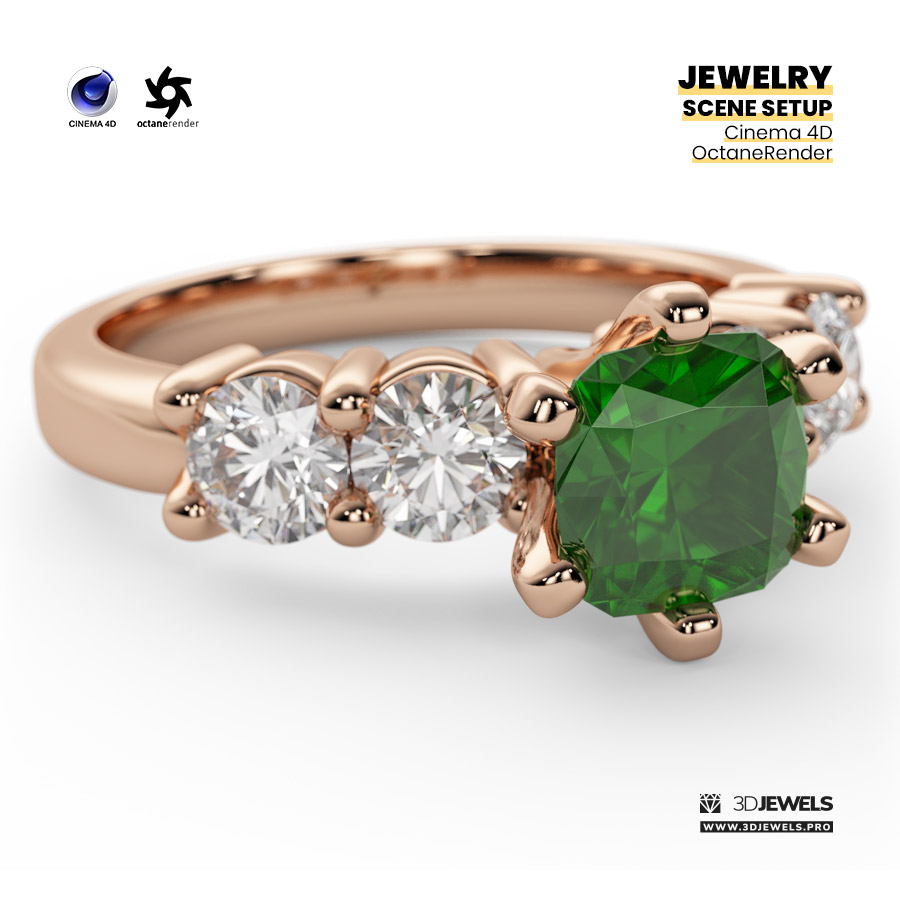
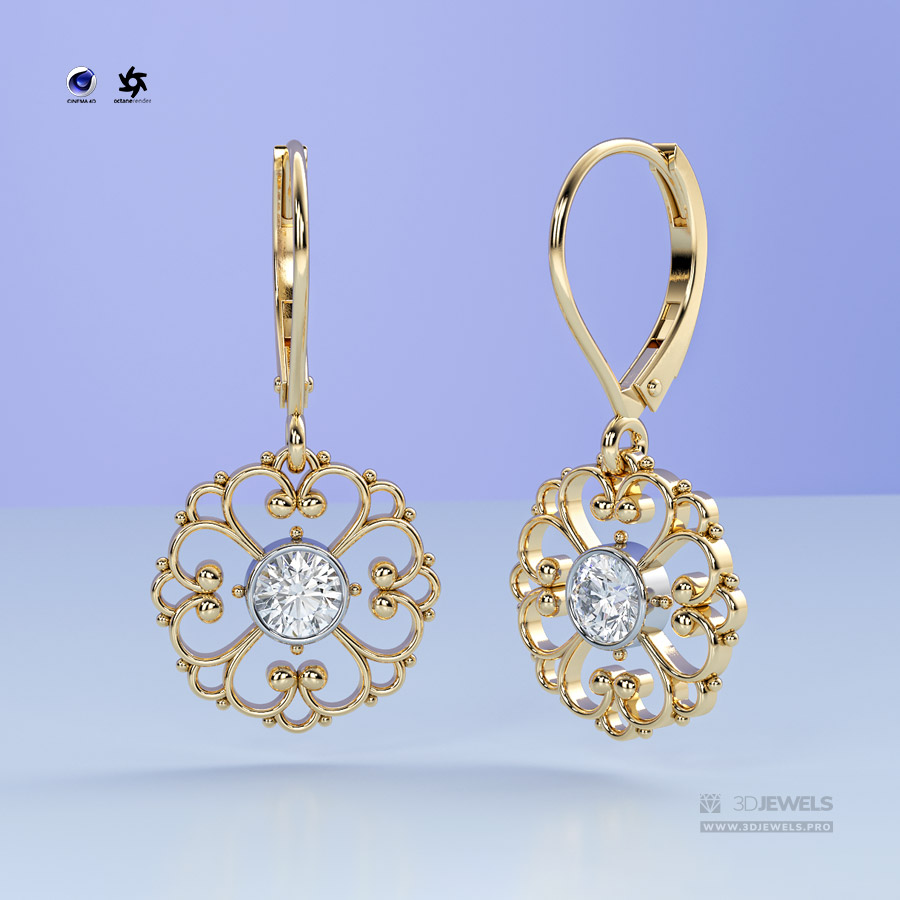
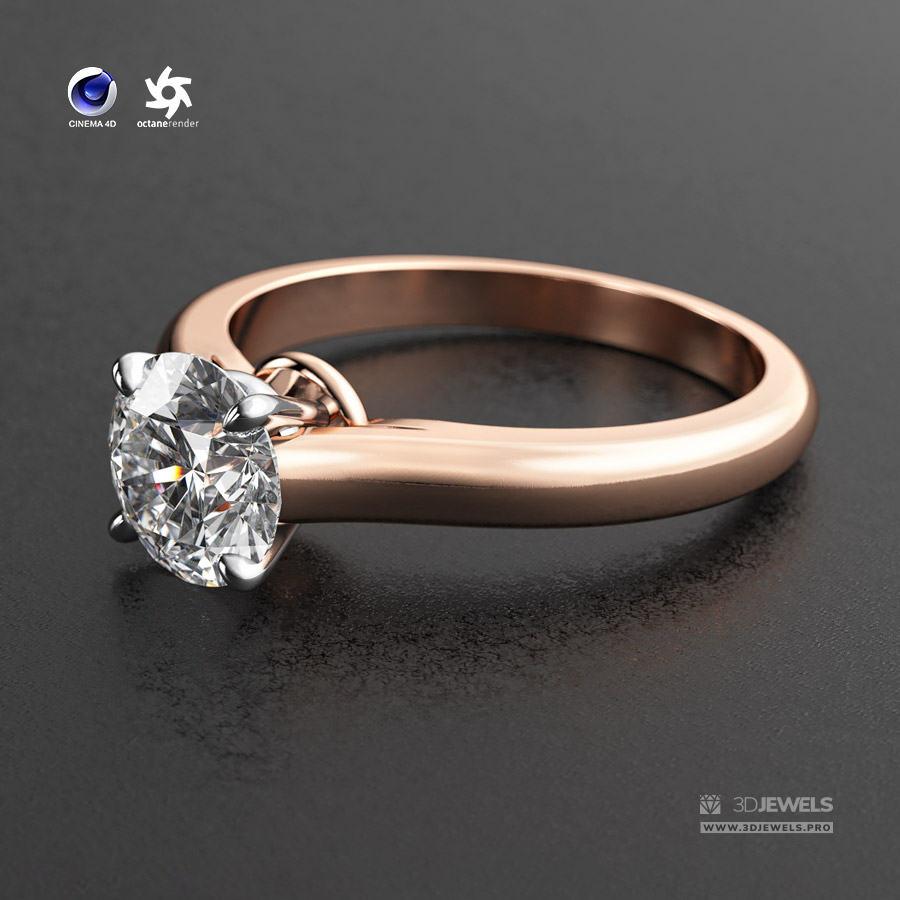
- 4 gold color materials with scratches
- White diamond material
- 3 gemstone materials
- Background materials
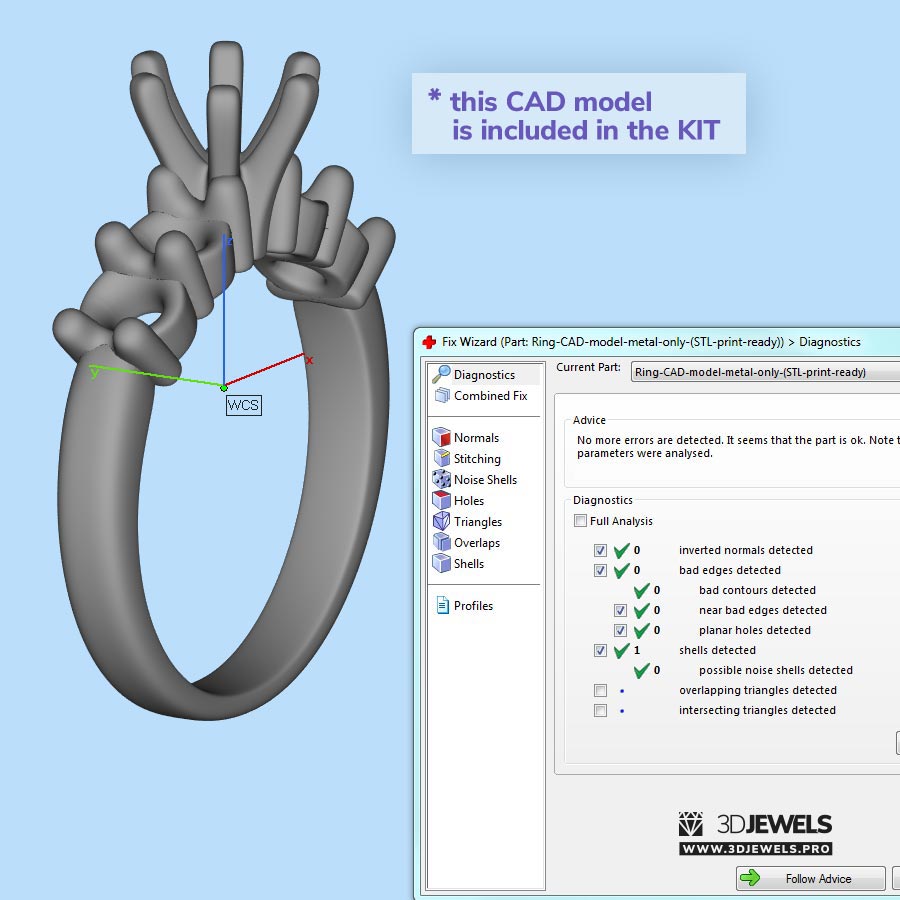
- Jewelry ring 3D CAD model
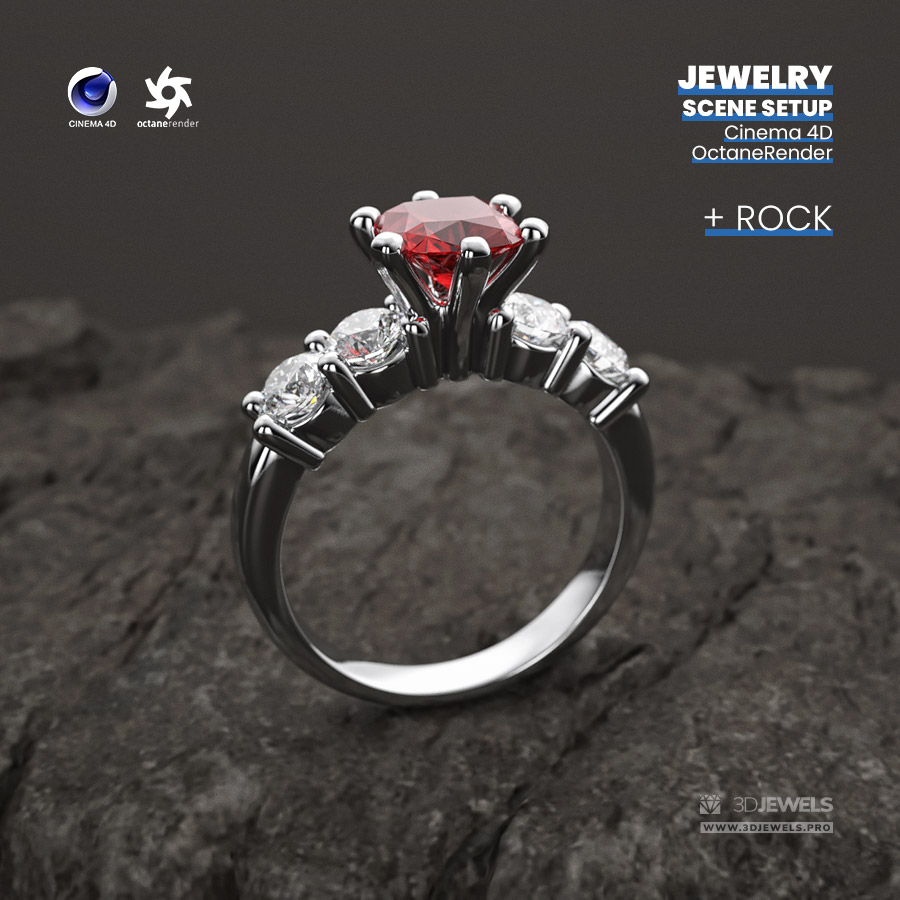
- Rock 3D CAD model
- HDRI environment map
- Textures
- Simple user’s guide
Details:
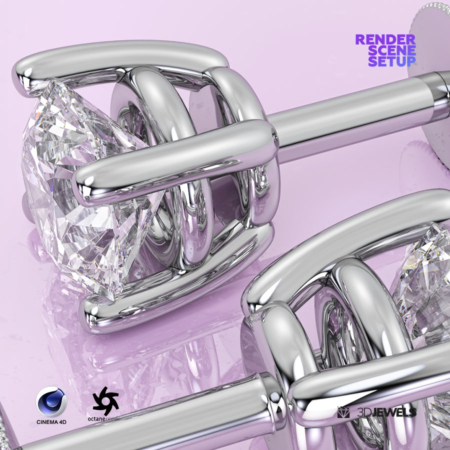
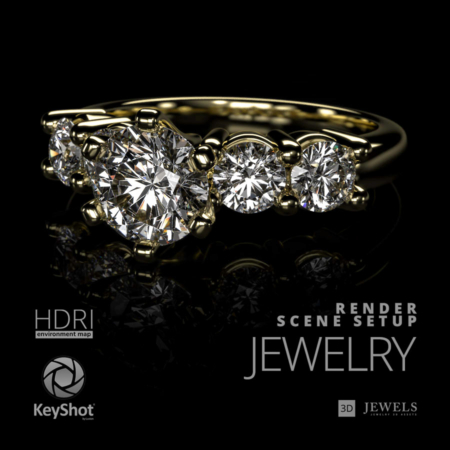
The scene setup was created for jewelry 3D rendering using Cinema 4D with the Octane Render plugin.
Lighting in the 3D scene is organized using a custom HDRI environment map (included).
There is also a separate rock model in the scene for a nice superb rendering with the rock background.
The scene has material for a transparent background with a shadow (alpha channel) for compositing on any backplate.
Note! Sample render files (images) are not included in the download files.
Software is not included in the KIT price and must be purchased separately from the owner (developer) of the specified software.
What needs to be done?
- unzip archive
- open the received scene file Cinema 4D
- import model and apply materials
- adjust lighting using the HDRI environment
- done, start rendering!
Kit includes:
- Cinema 4D files (R19, R25, v.2023 /.c4d) with:
— 4 color gold materials
— white diamond material
— 3 gemstone materials (ruby, emerald, sapphire) - Jewelry ring 3D CAD model (STL/print-ready, OBJ, FBX)
- Rock 3D model (OBJ, FBX)
- HDRI environment map (5000×2500 pxs /.hdr)
- Textures (.jpg / .exr / .png)
- User’s guide
⚠️ Requirements:
- MAXON CINEMA 4D software (R19/R25/2023 or later)
- OTOY OctaneRender plugin for CINEMA 4D (ver.3/ver.2021/ver.2023.1 or later)
Also check out similar asset:
Reviews
There are no reviews yet.